
An event happens once.
We cover it so the people who were there feel it again and the people who were not wish they had been.
That means arriving early, knowing the run of show, and being in position before the moment happens rather than chasing it.
Good for
- Conferences and presentations
- Launches and galas
- Recaps for social
- Full program edits
From the floor
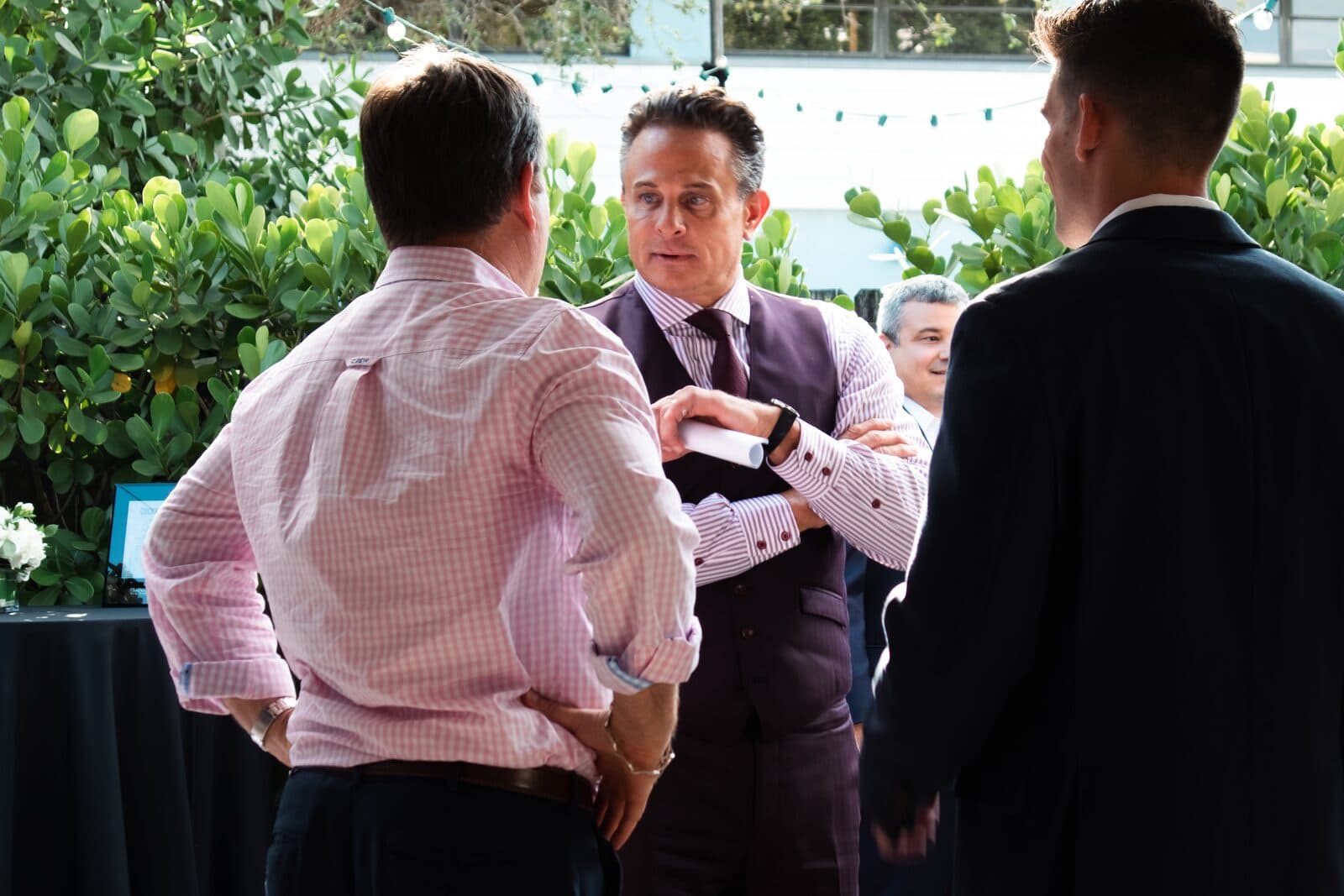
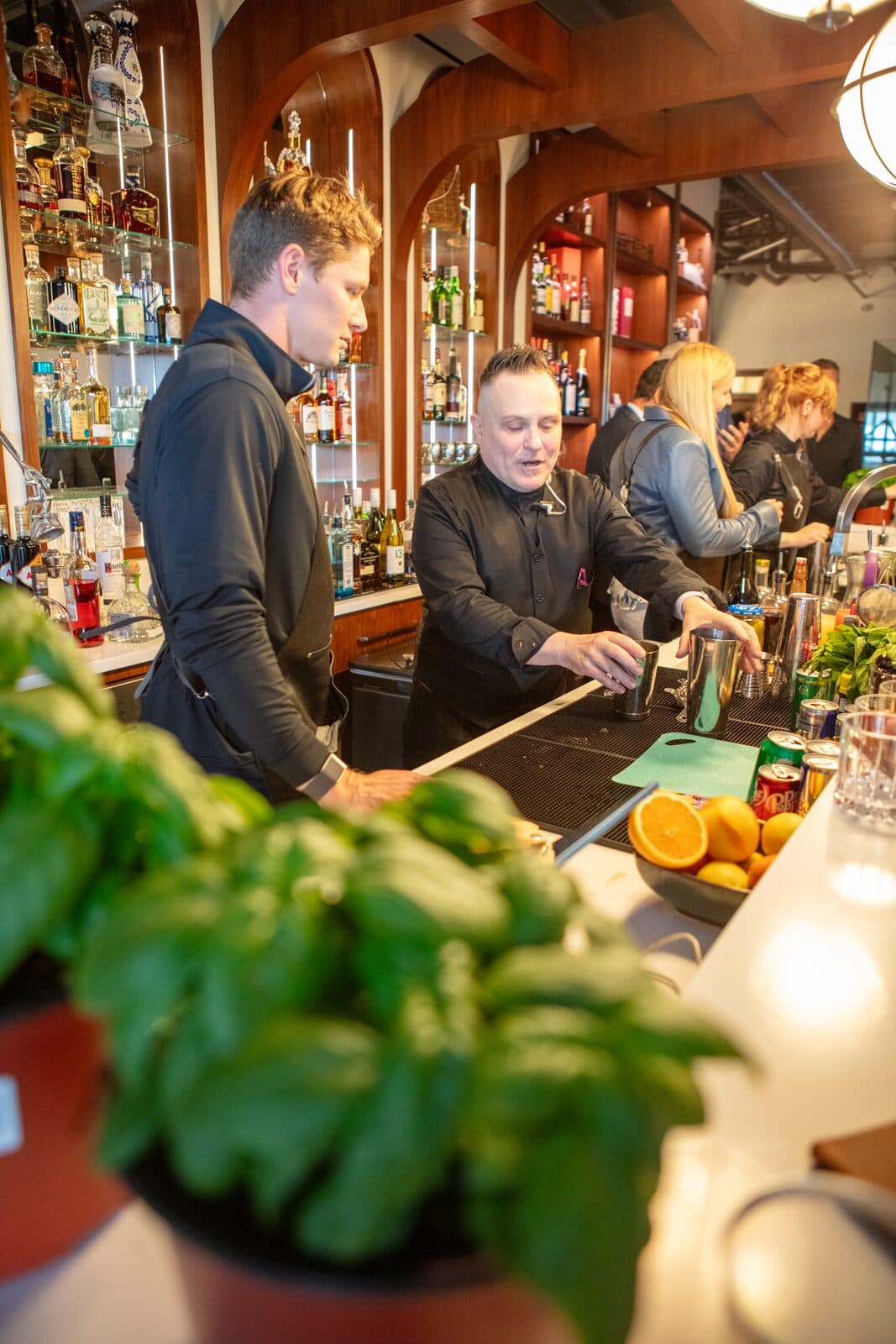
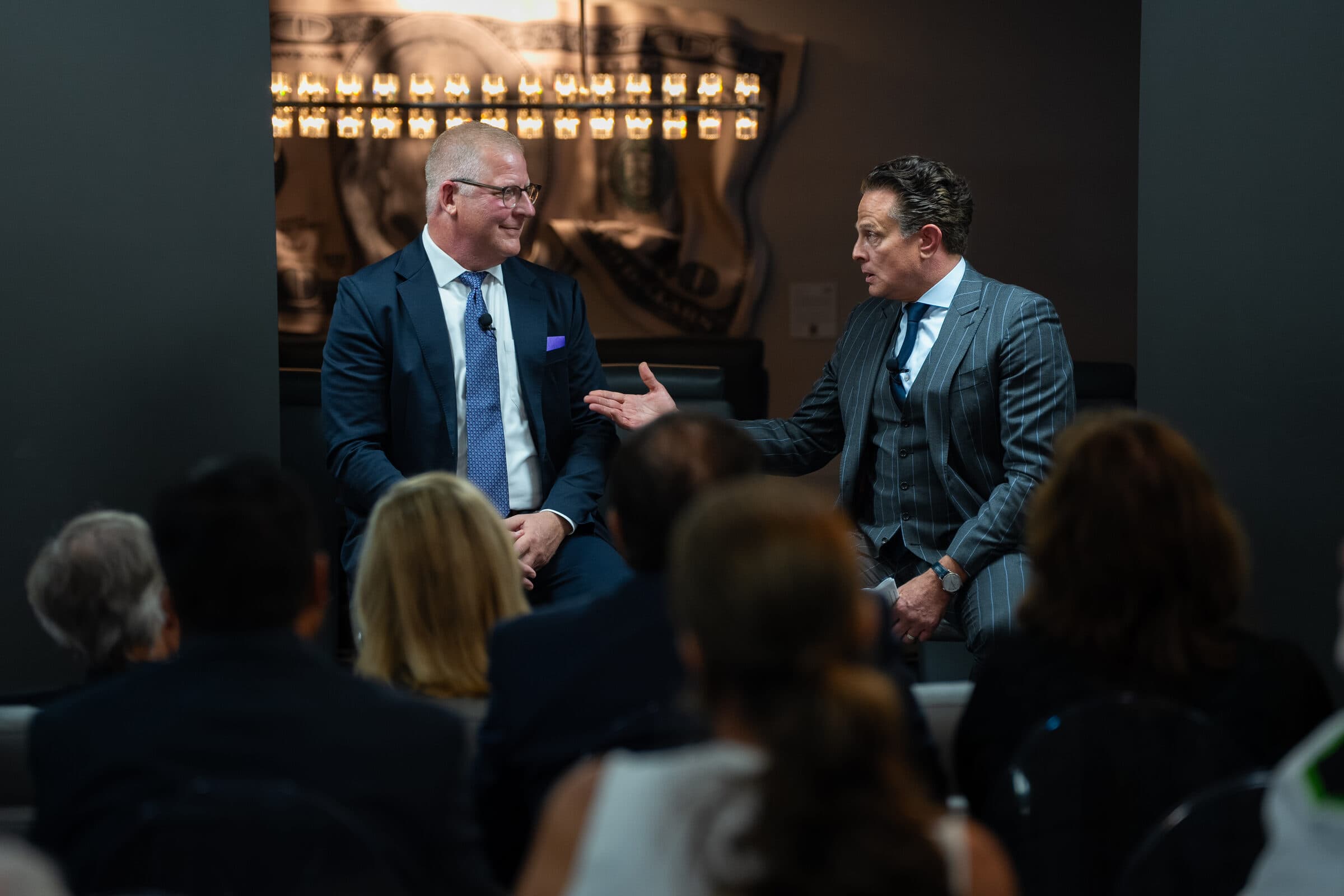
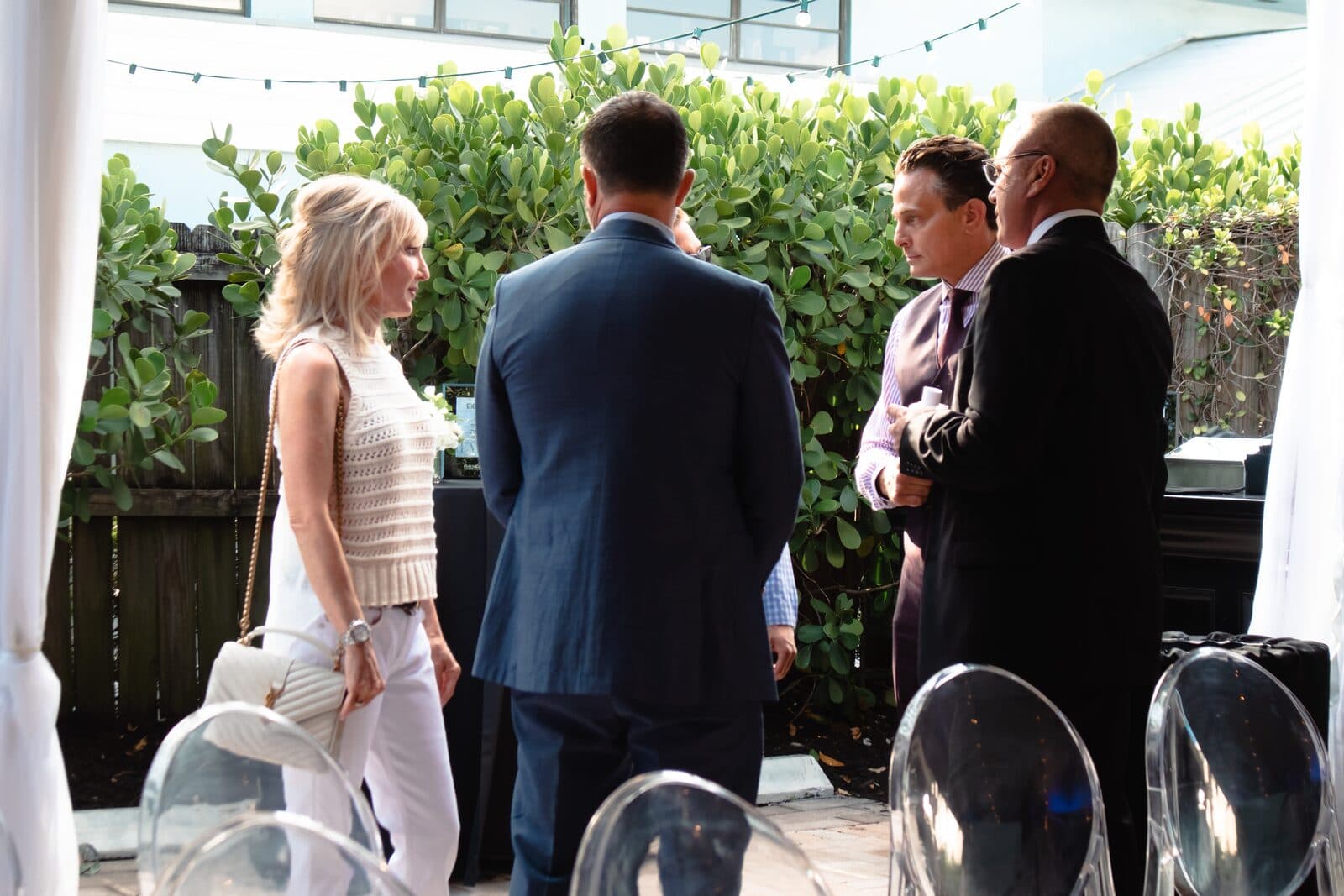
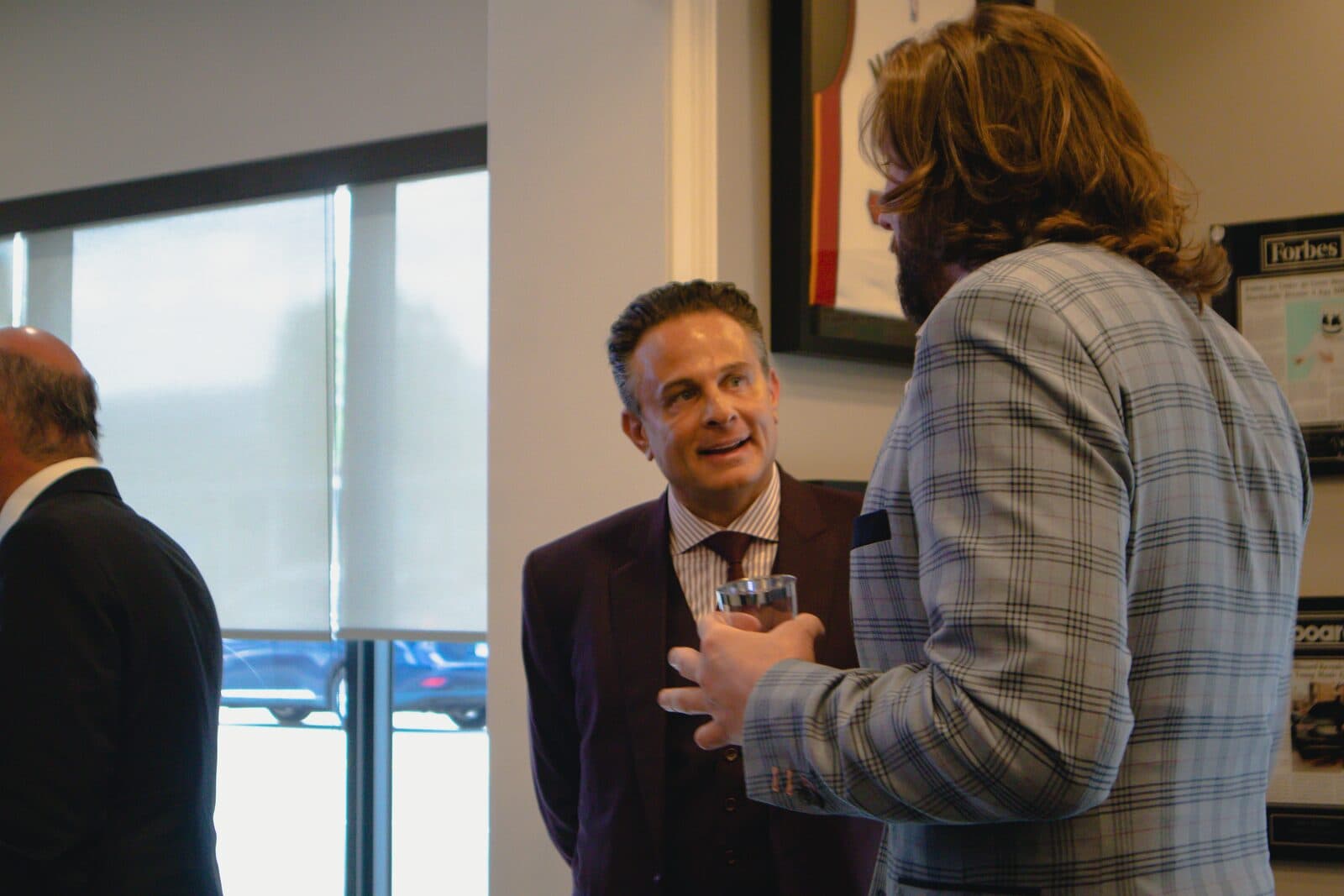
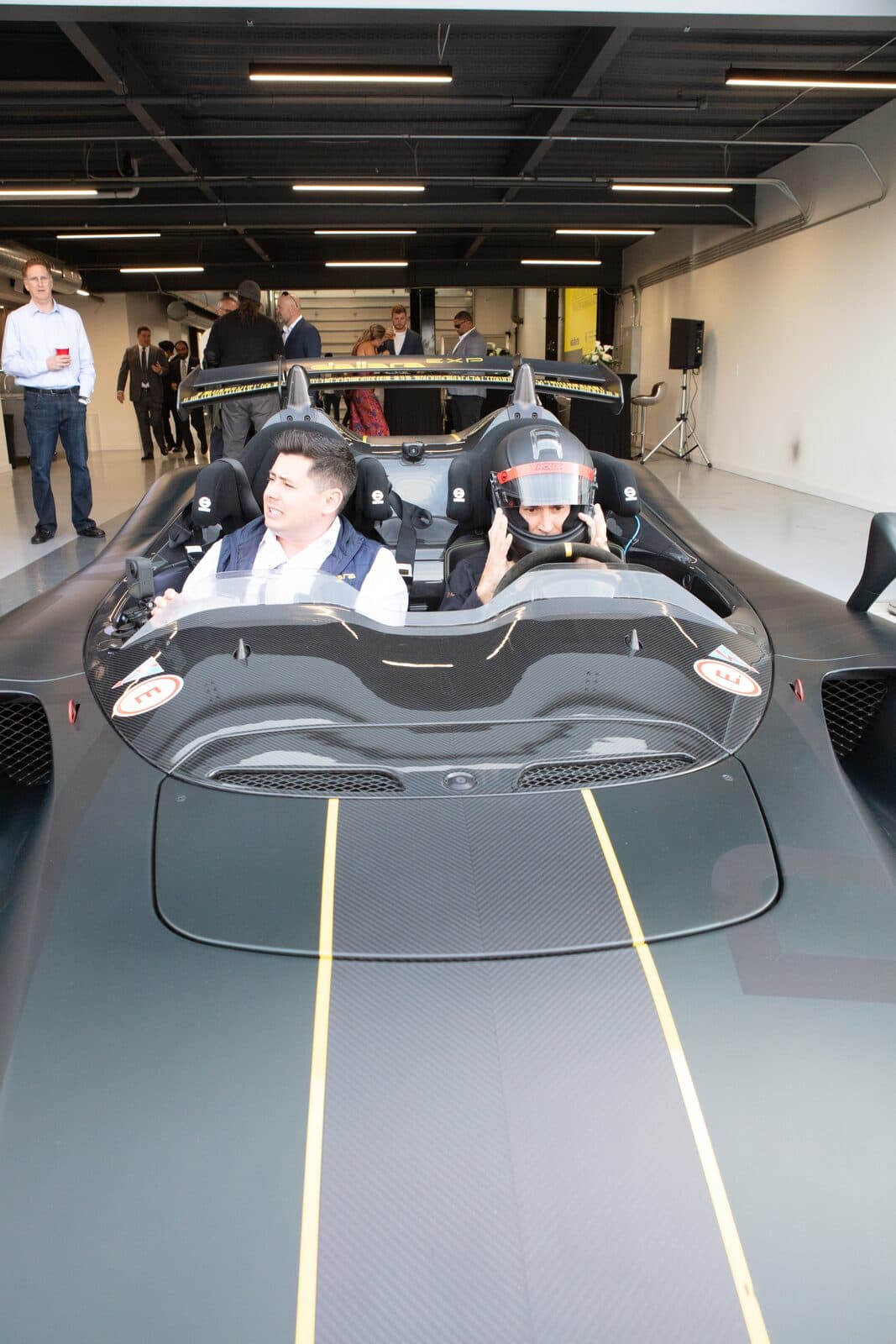
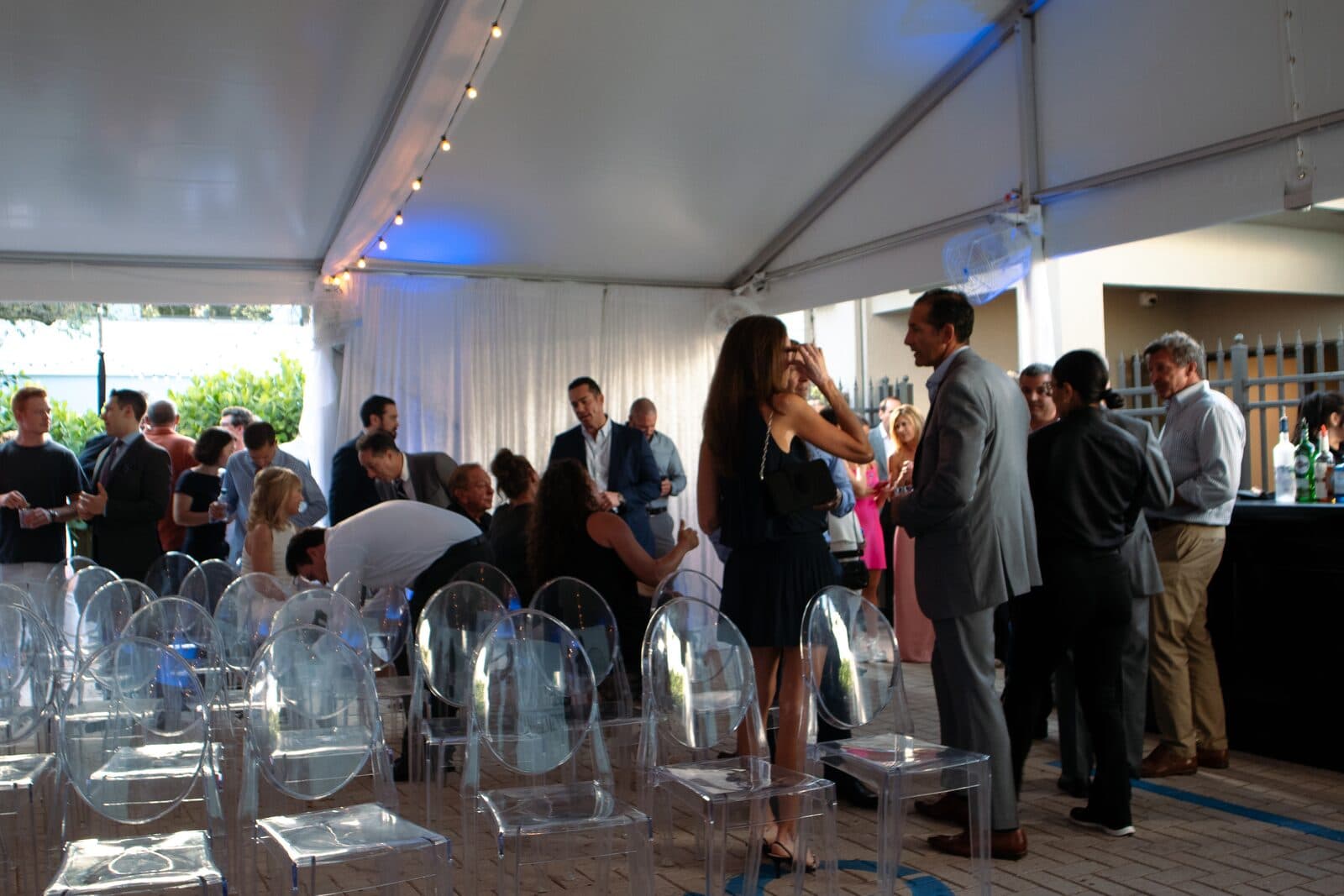
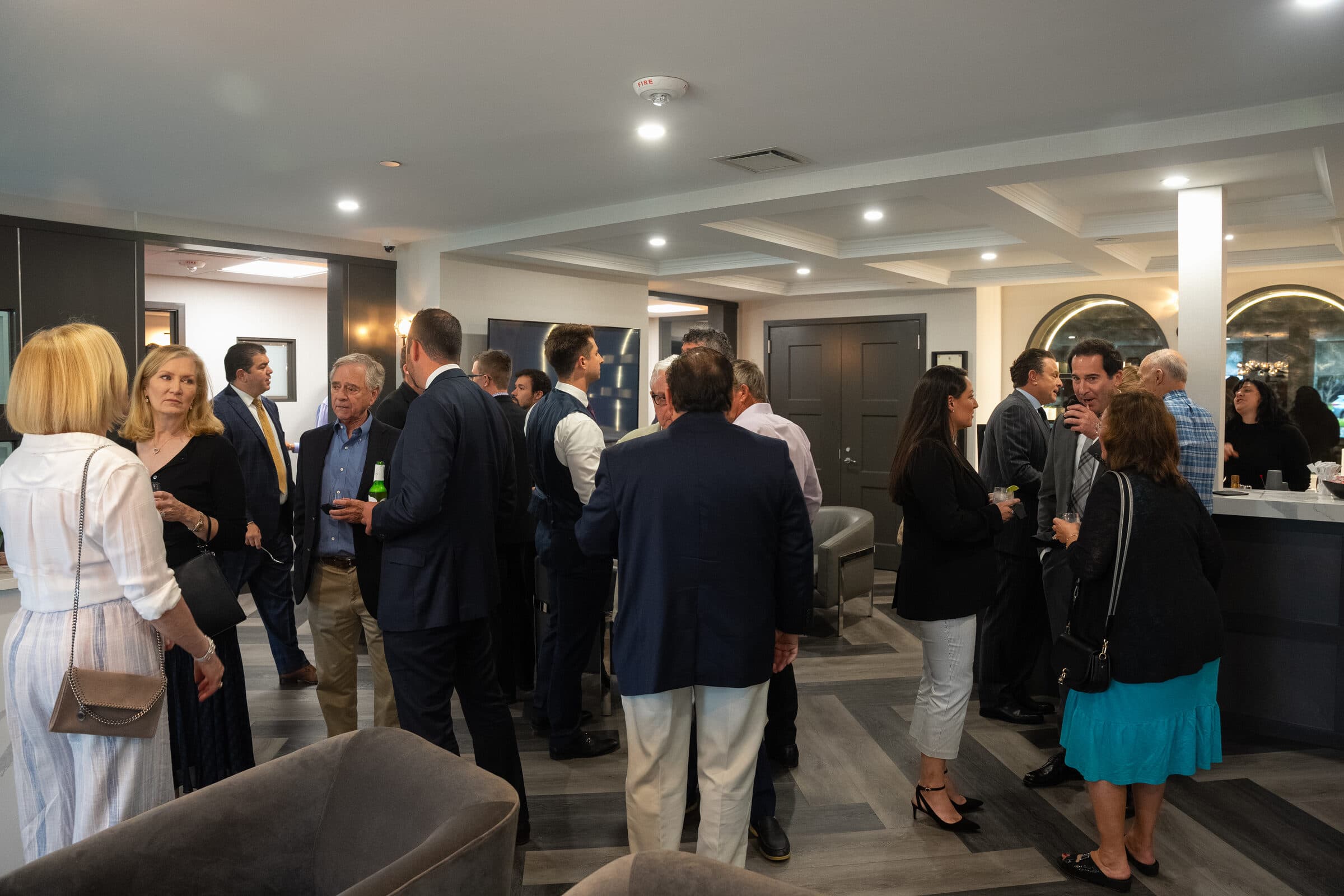
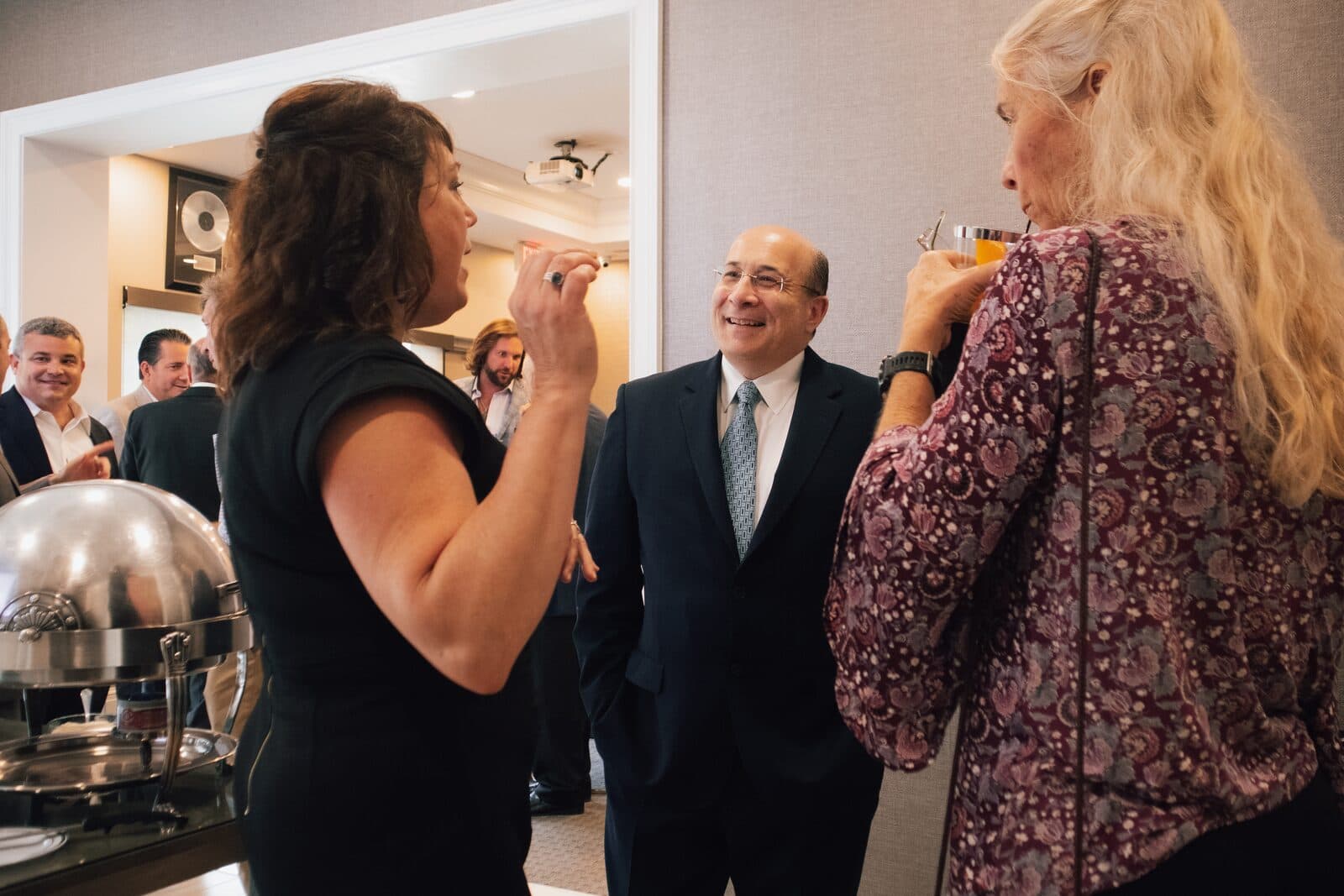
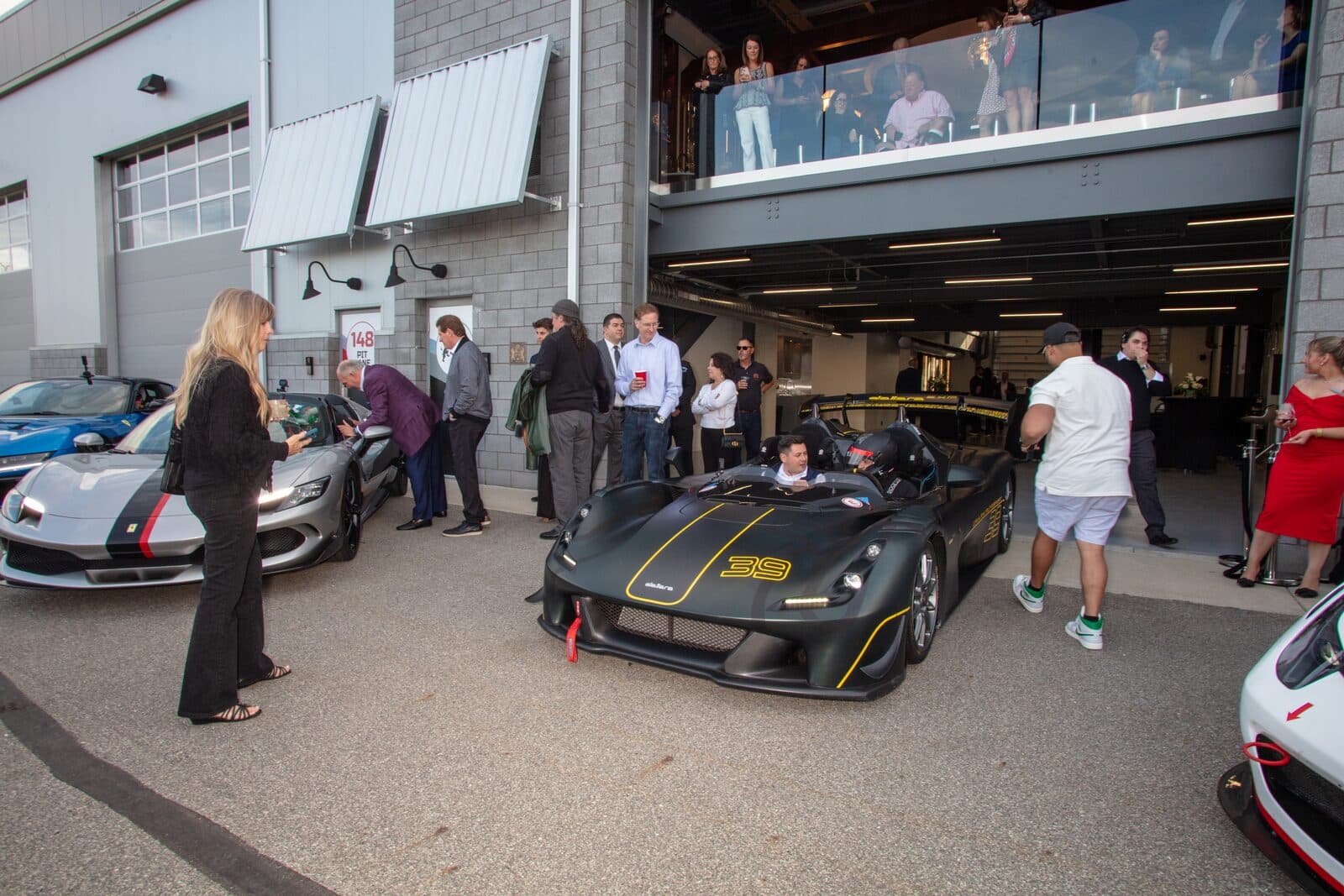
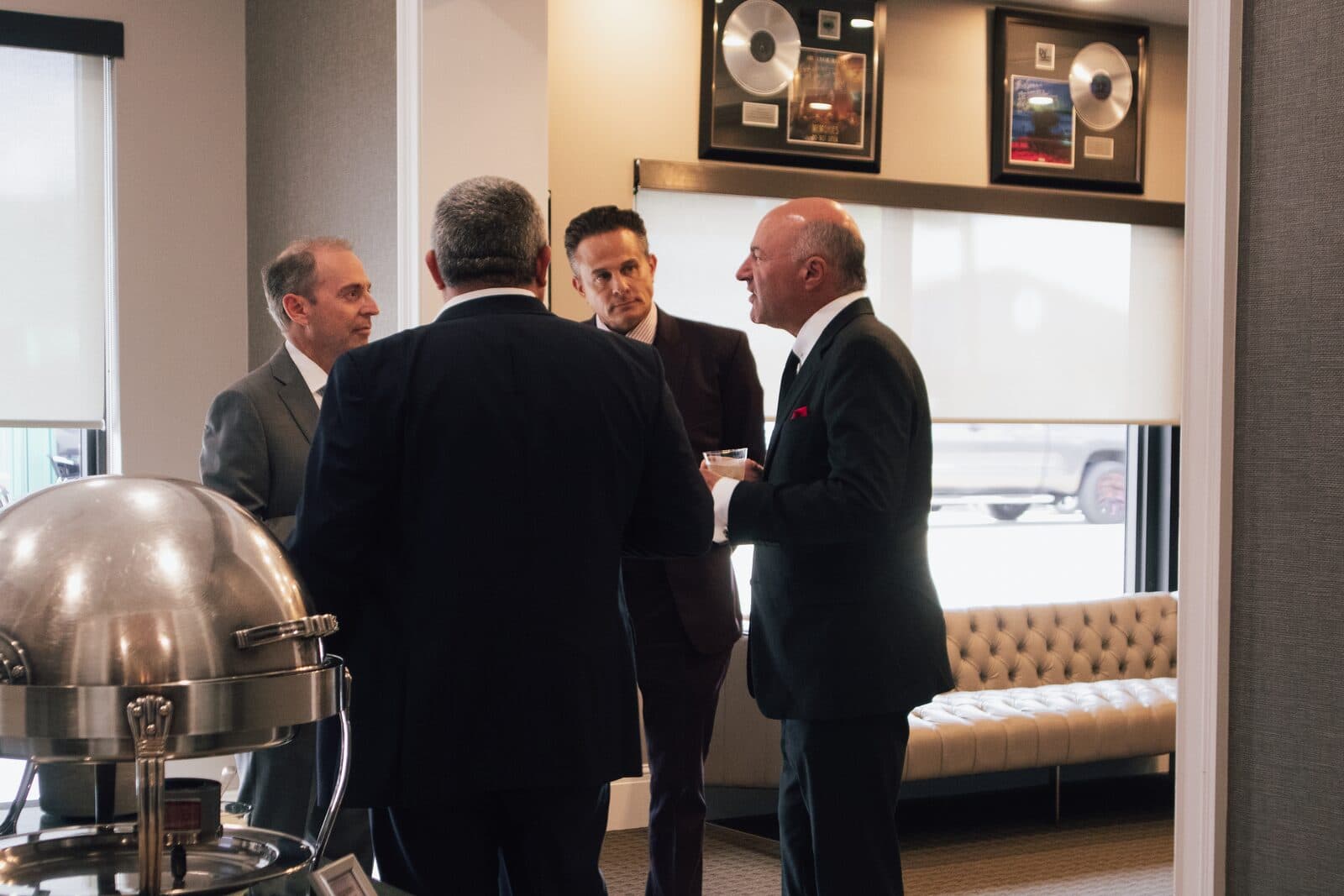
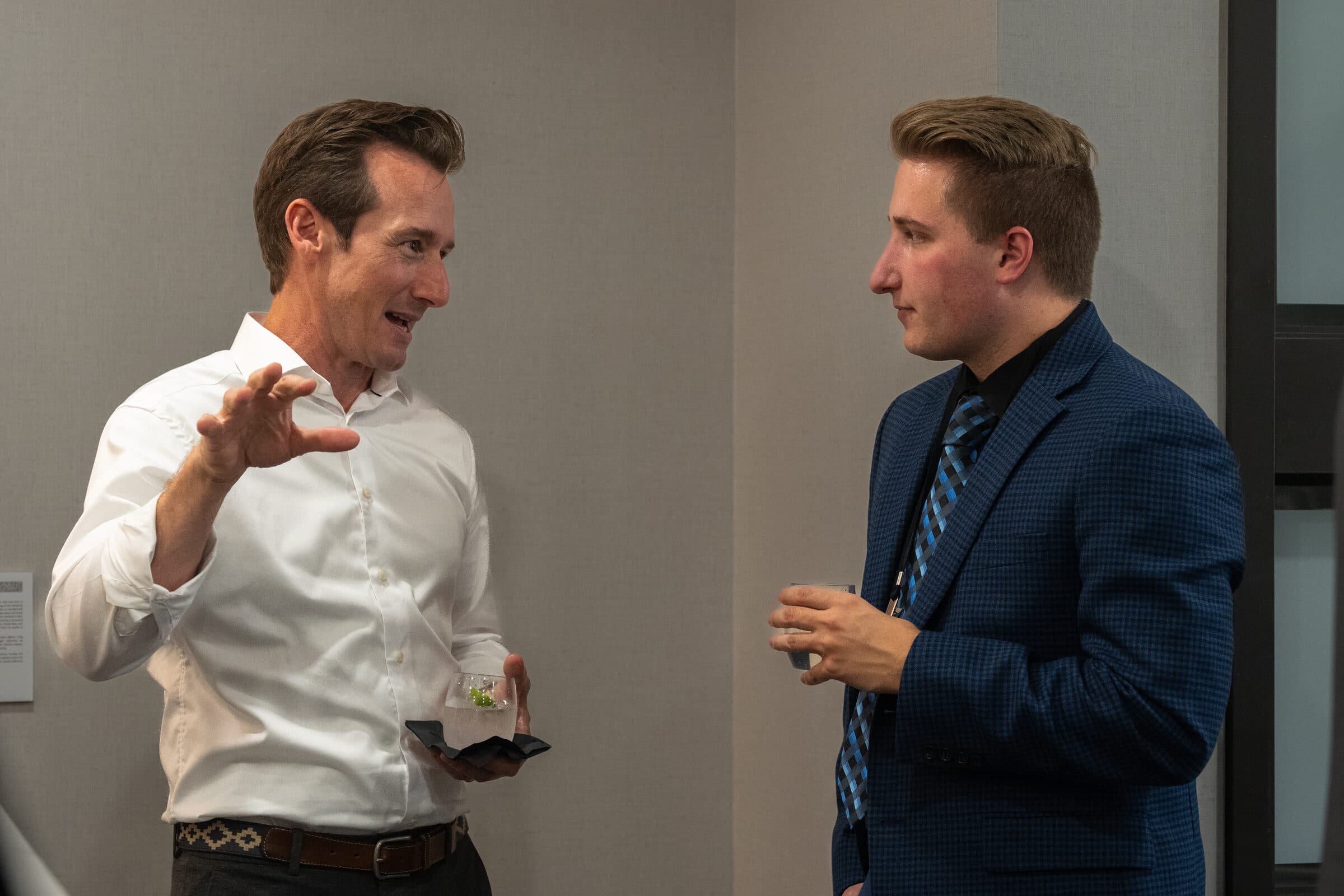
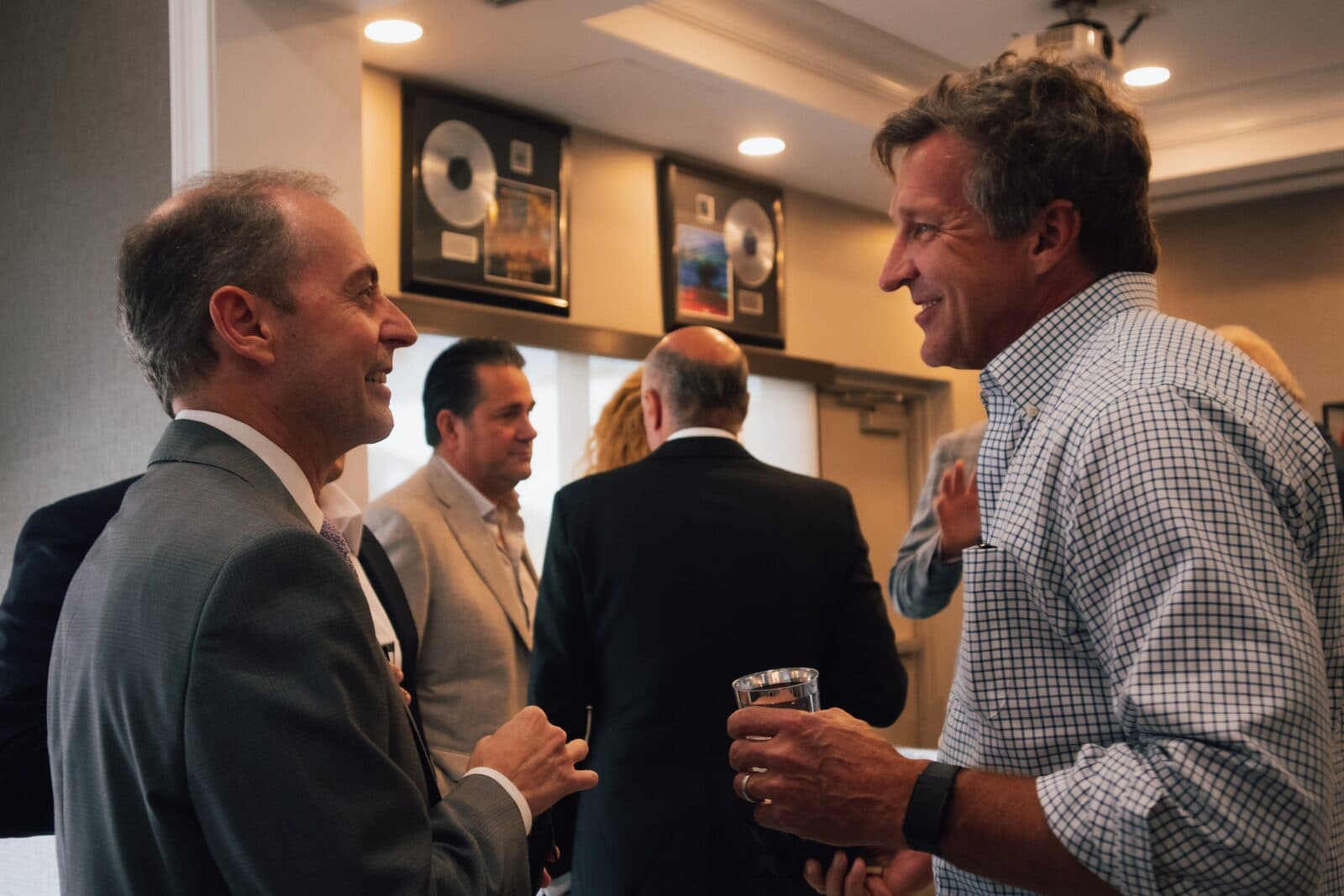

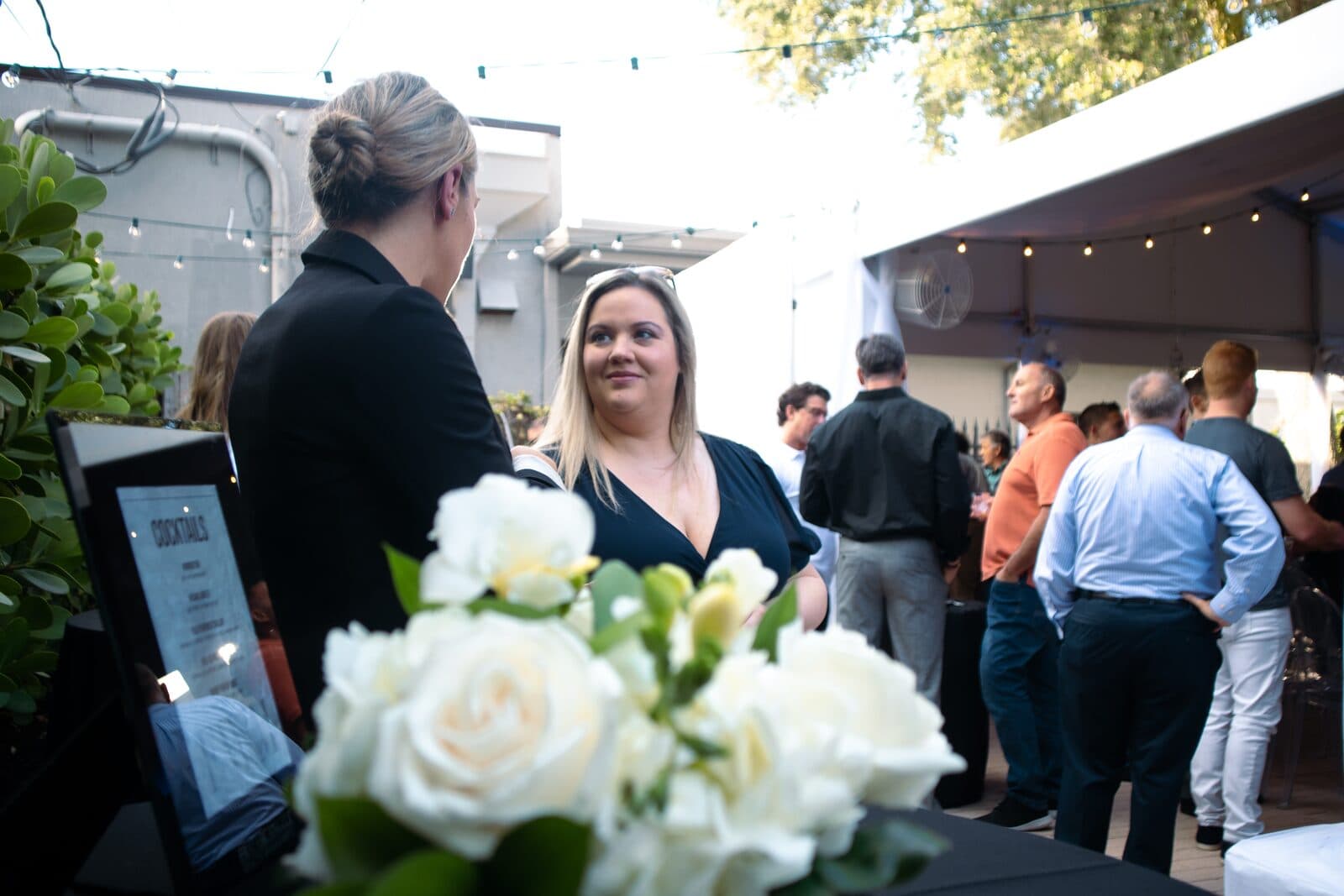
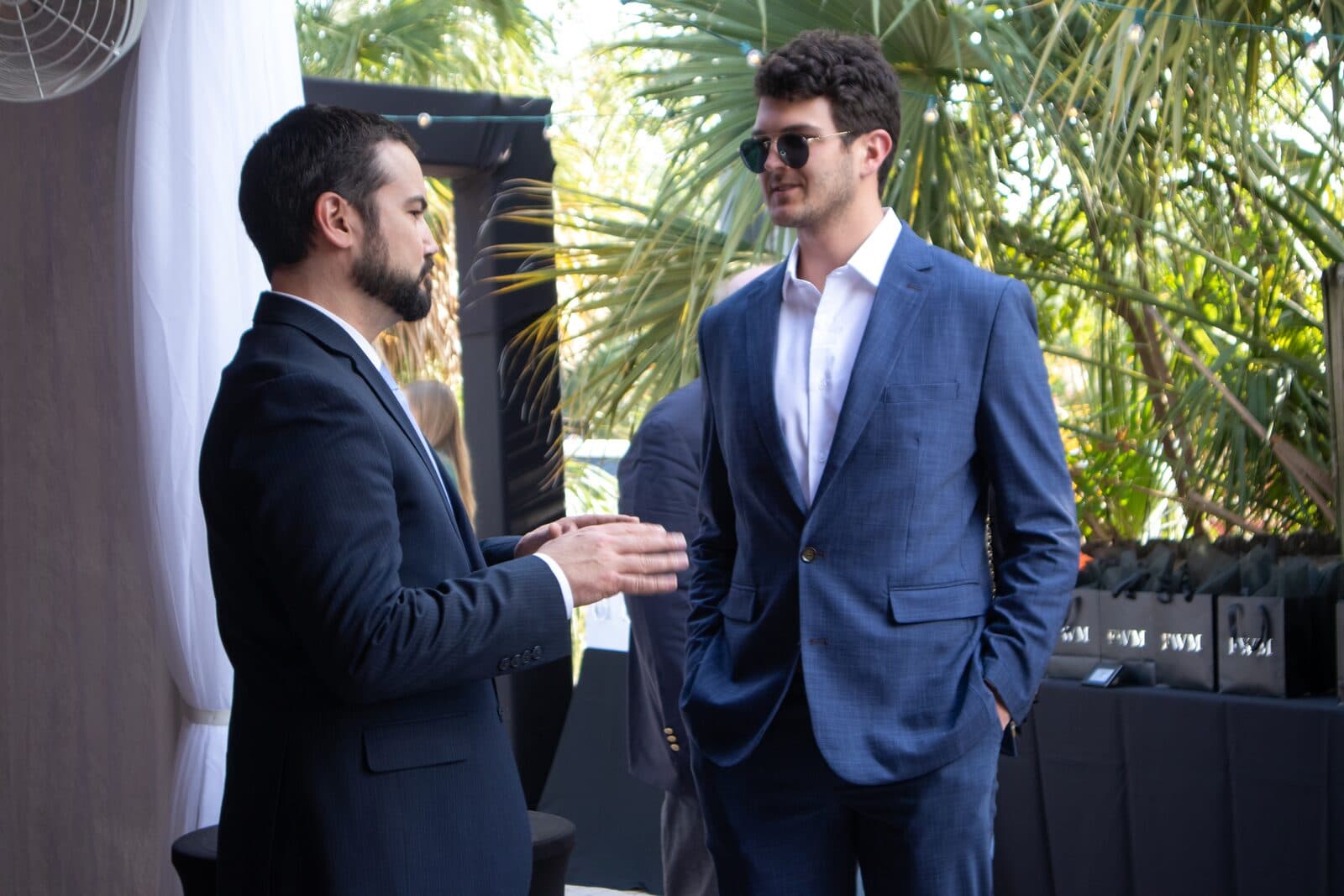
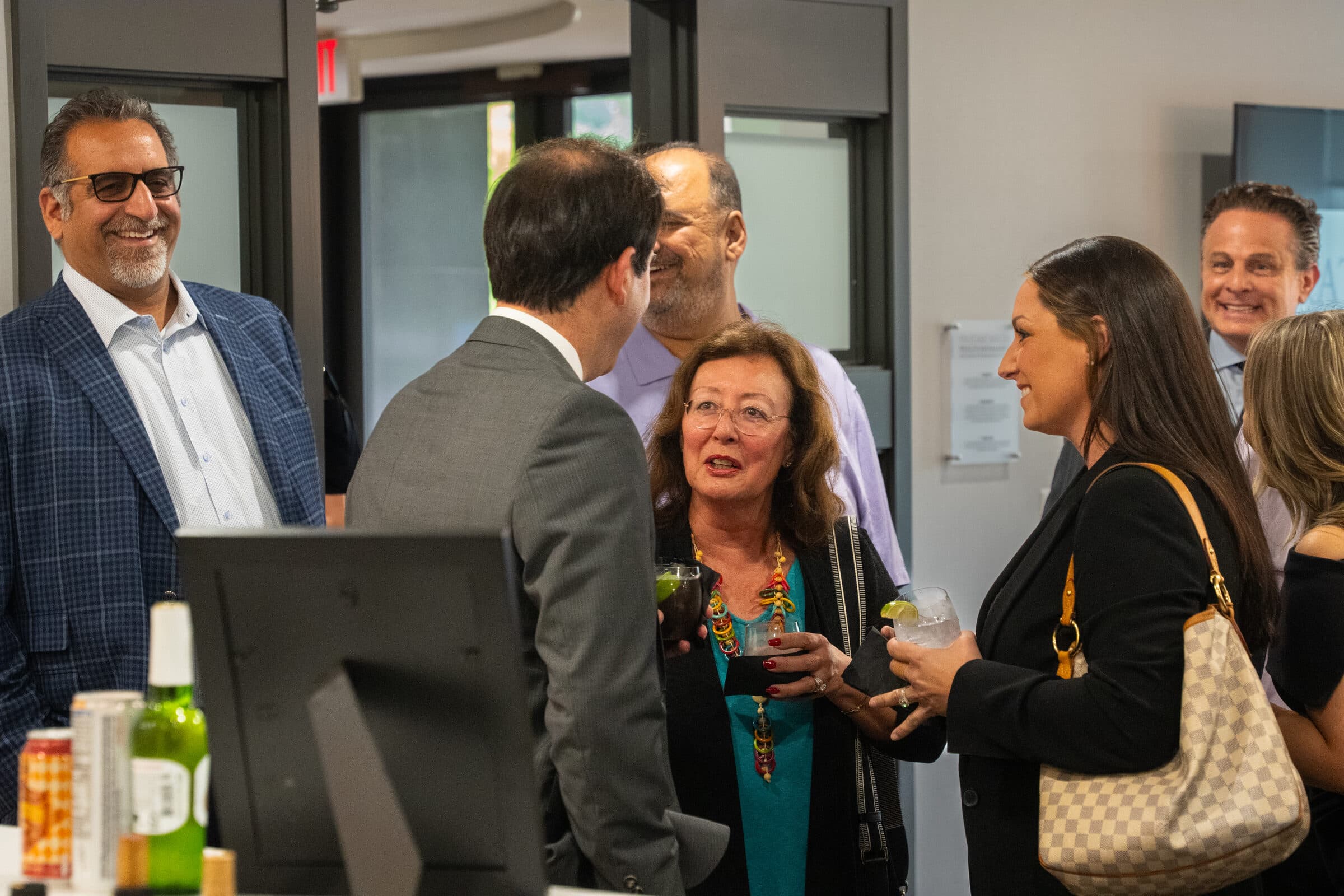
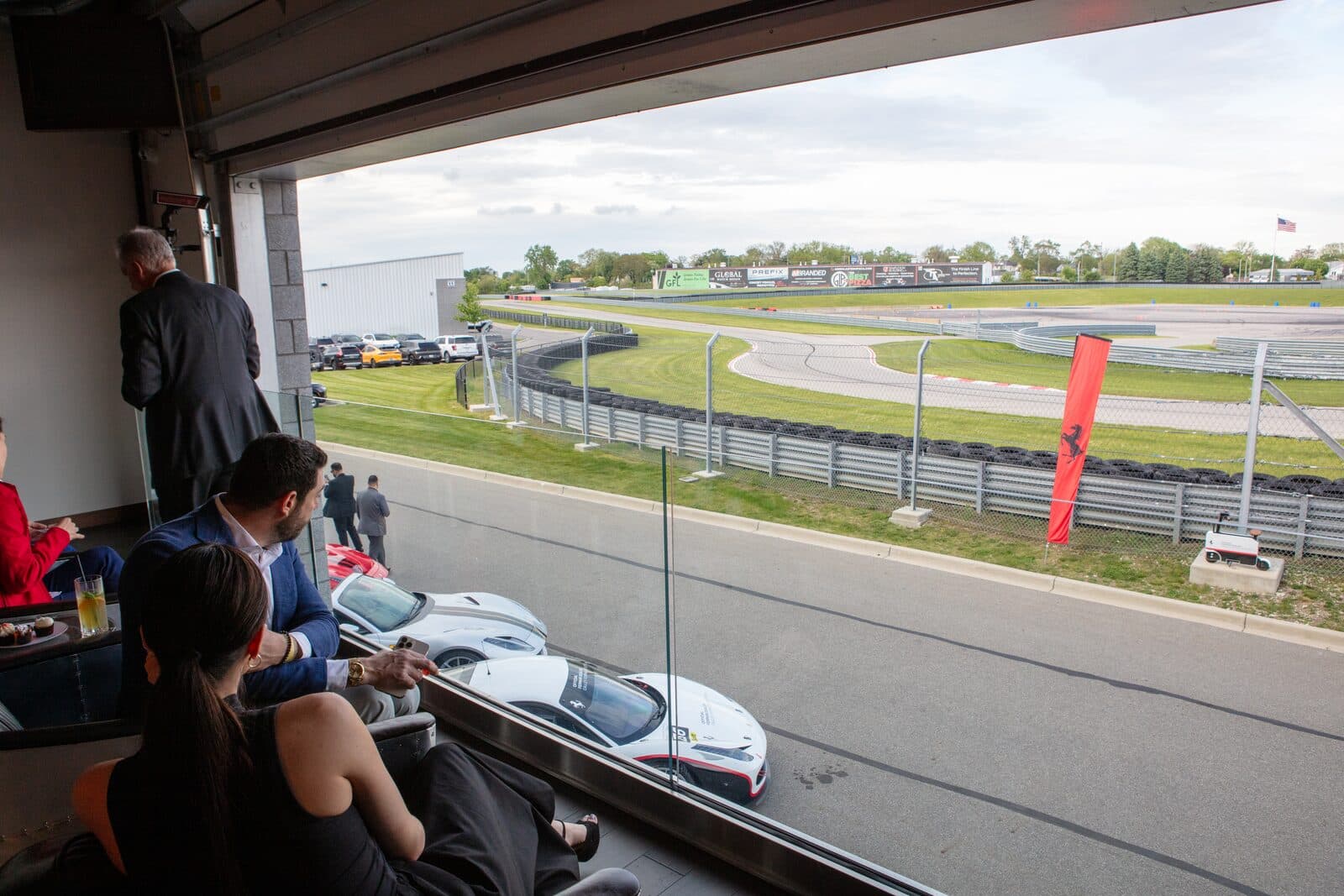
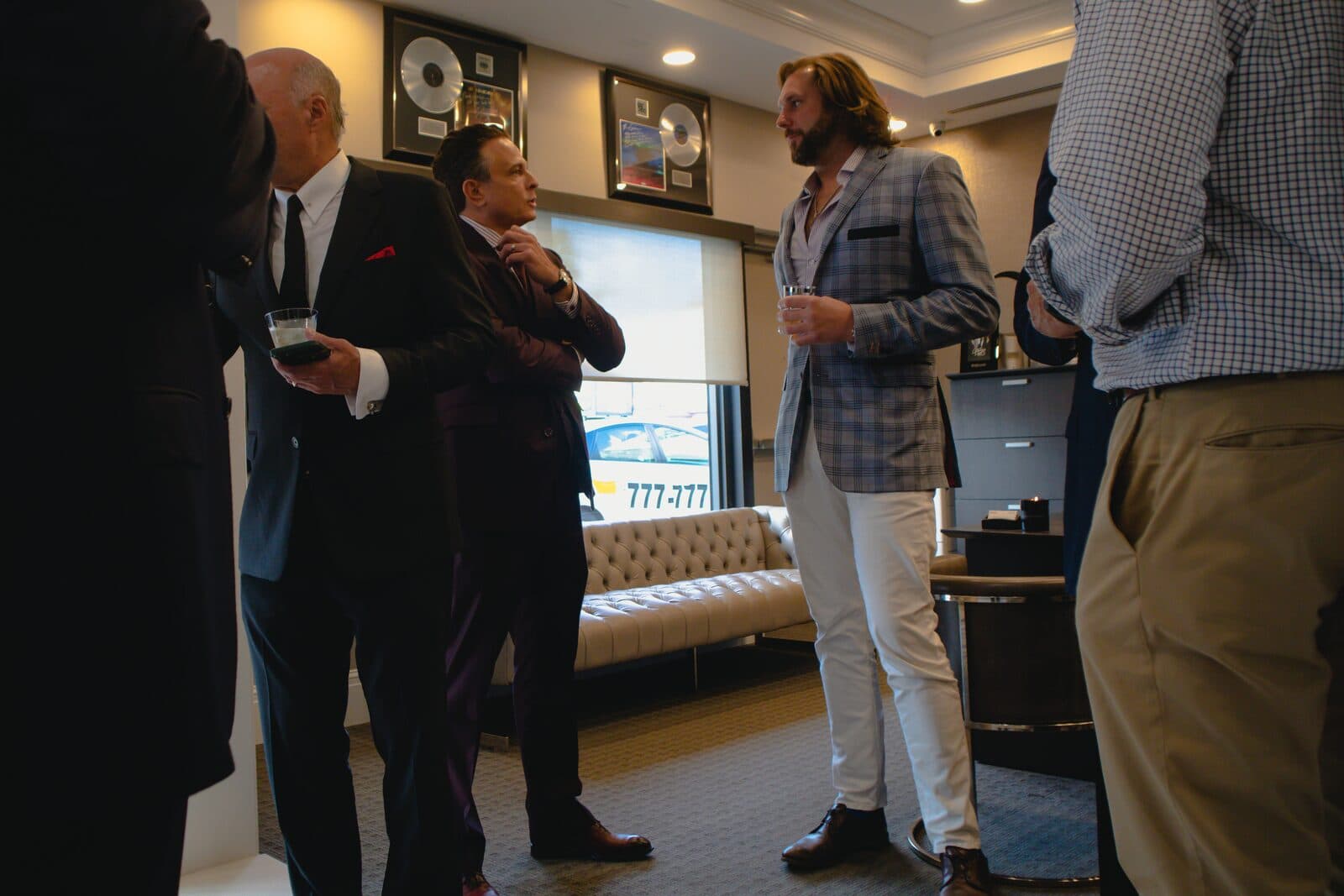
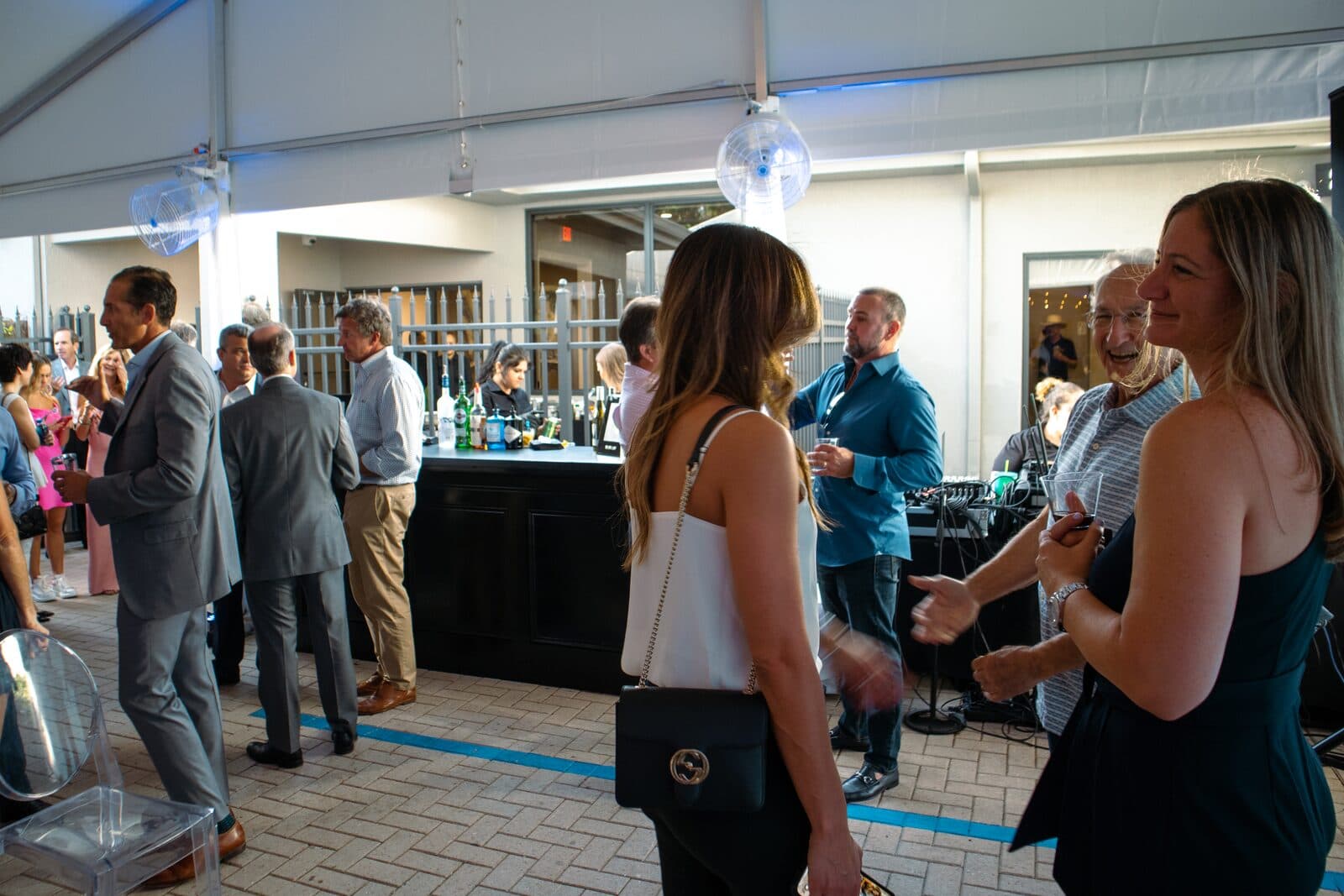
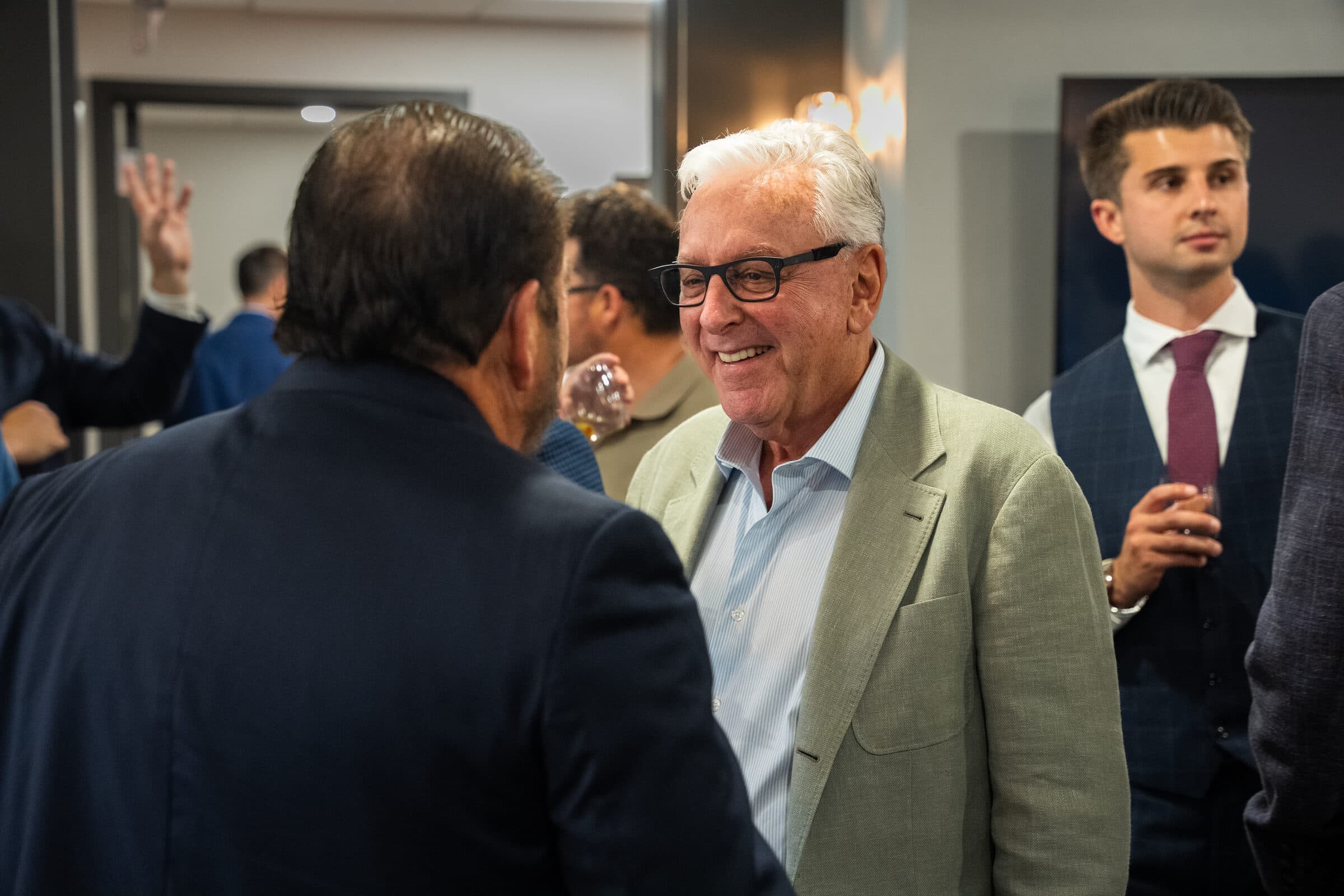
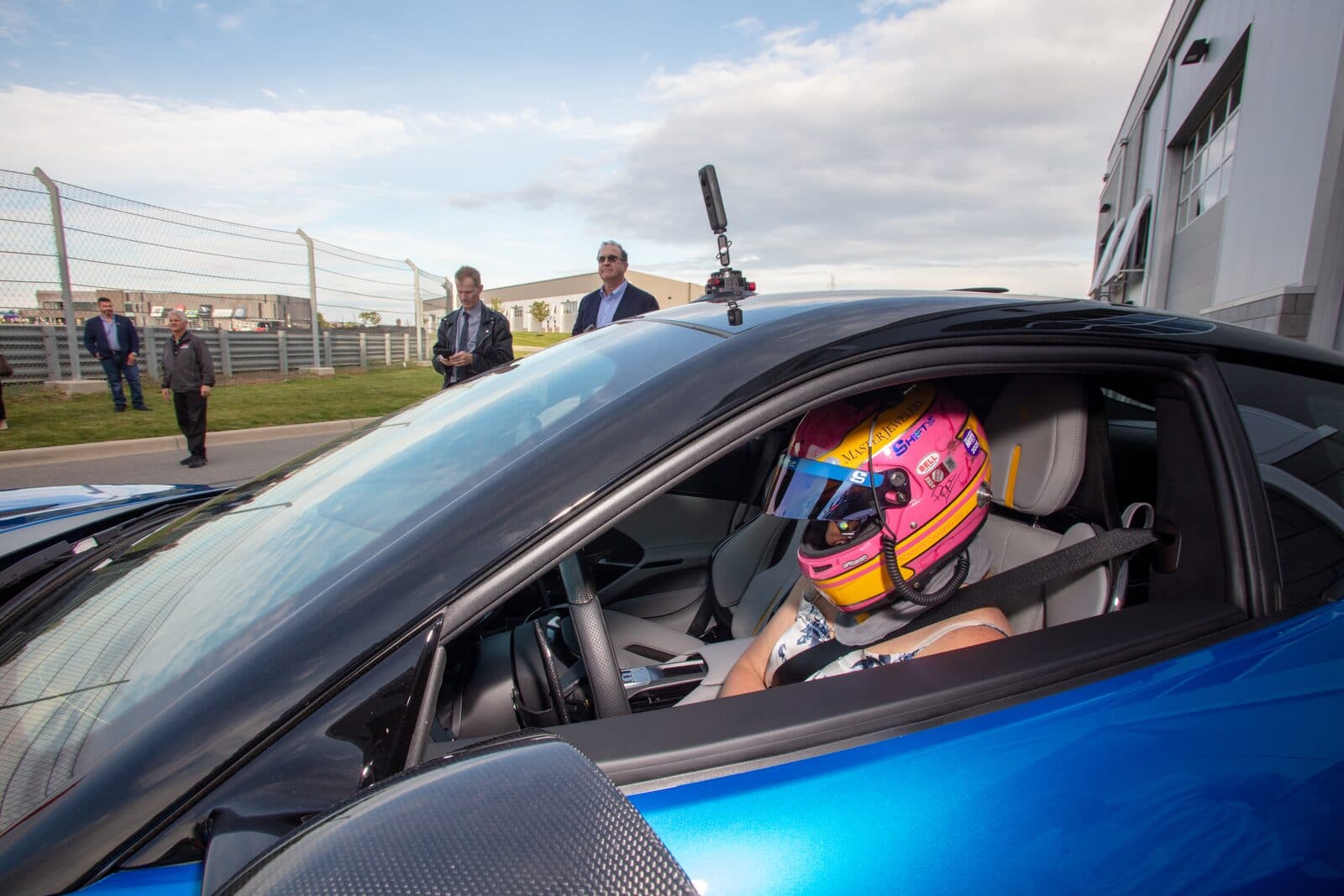
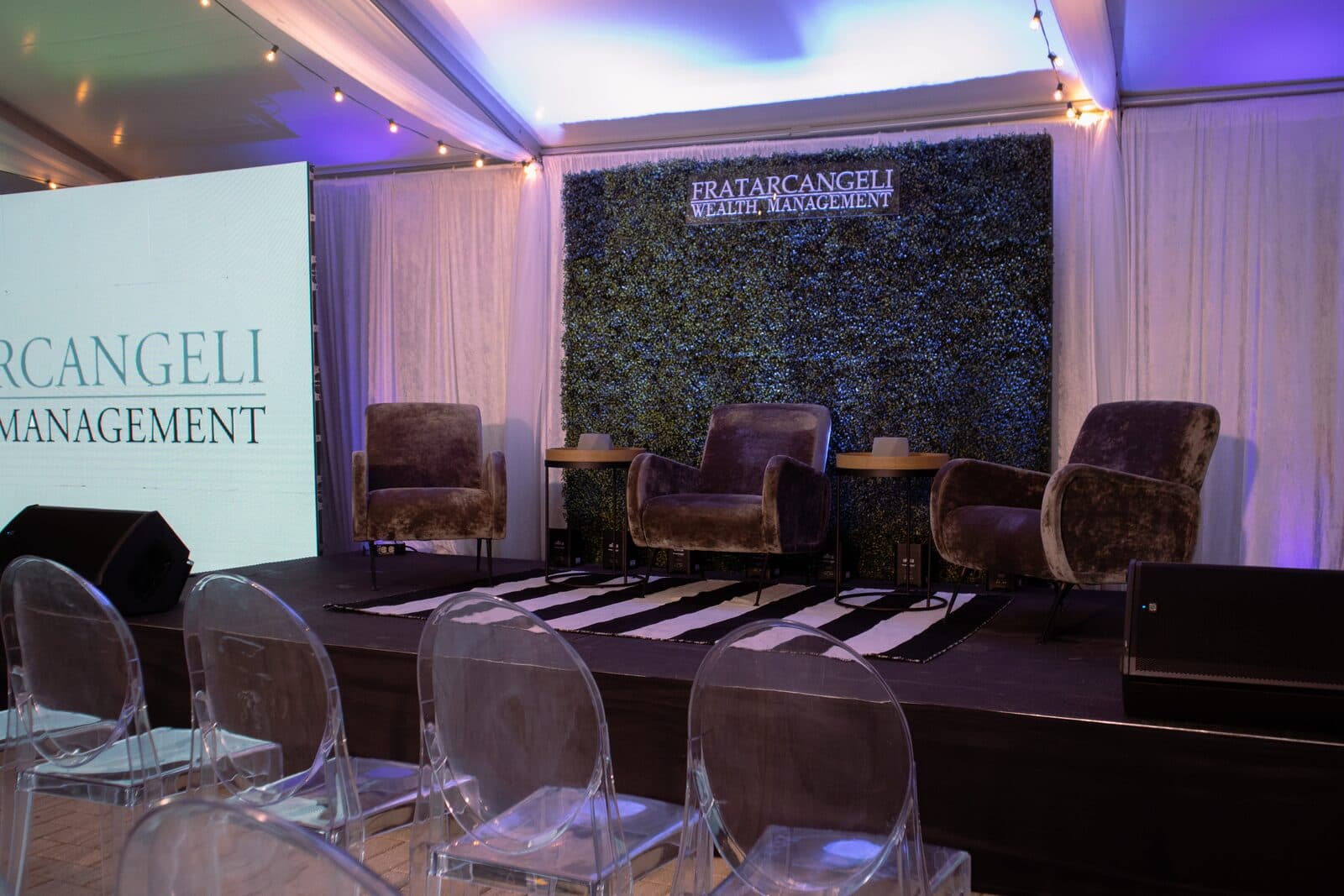
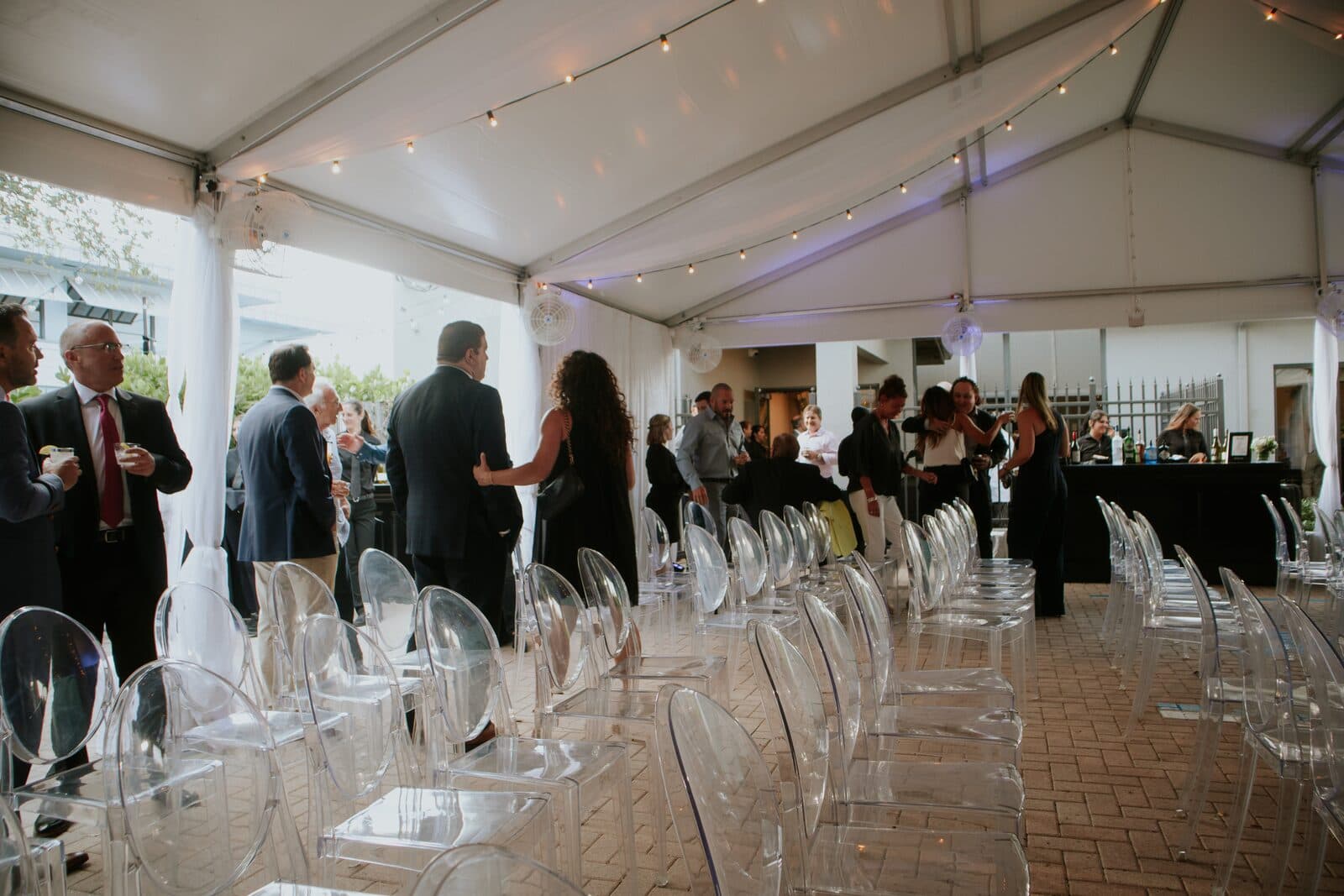
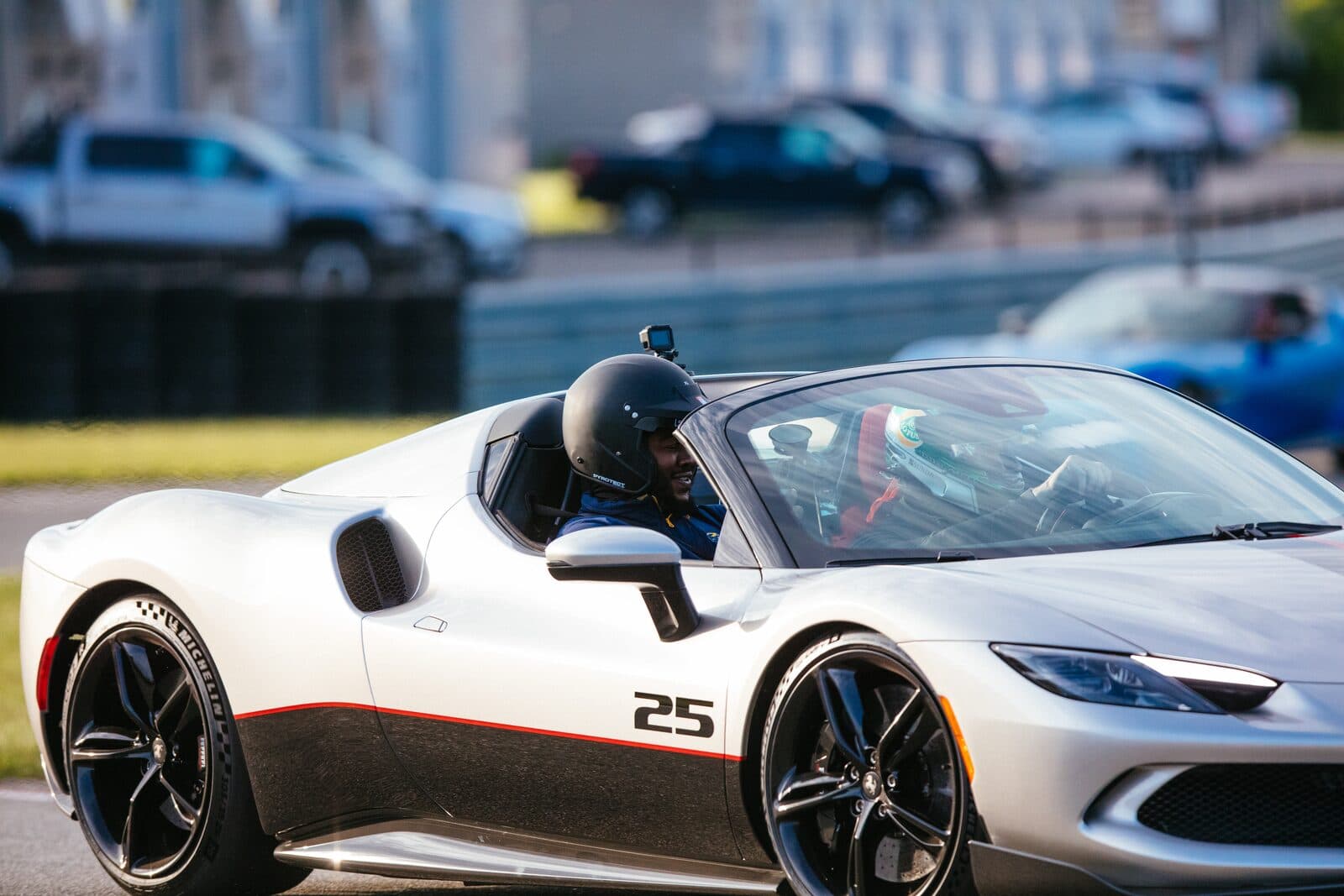
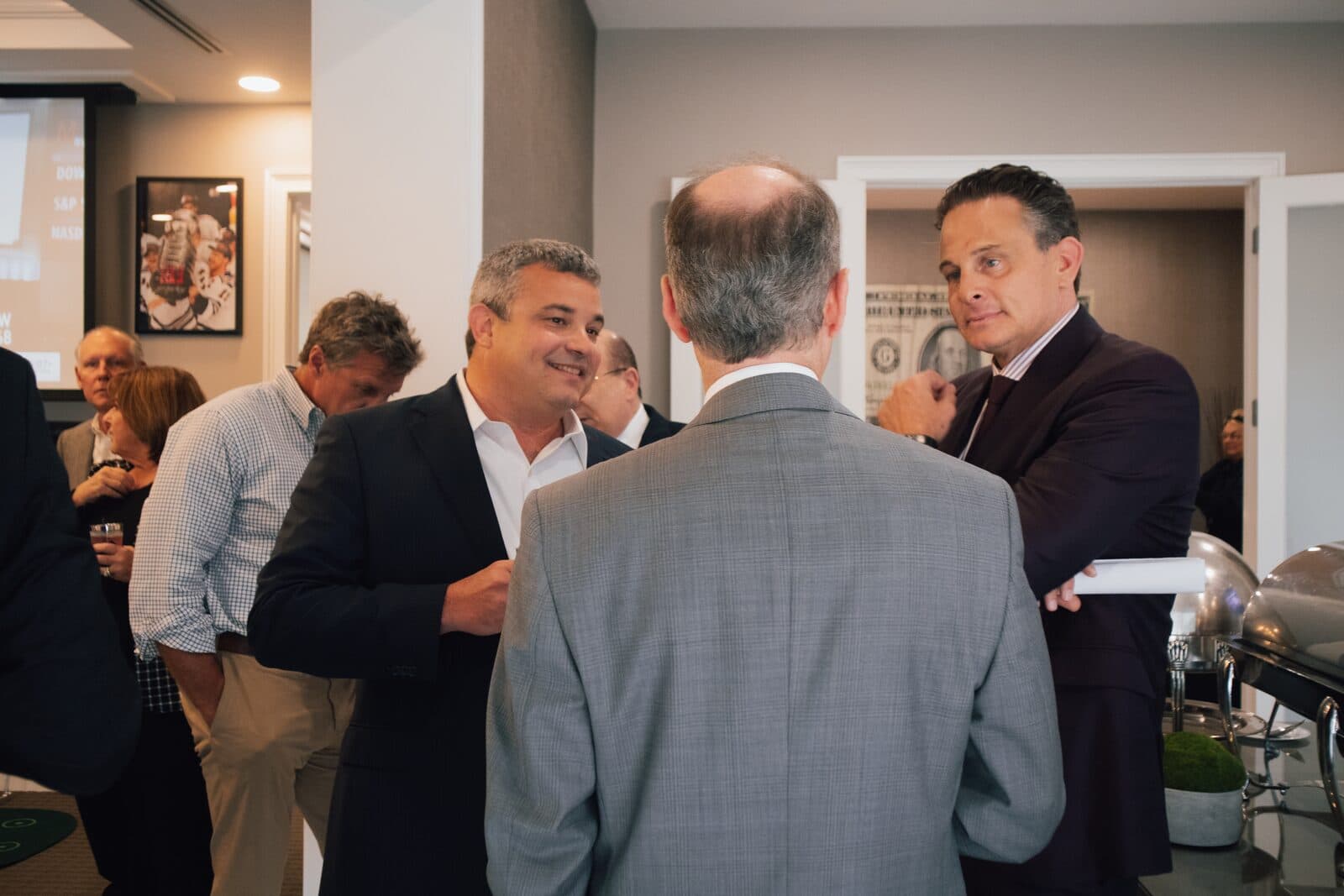
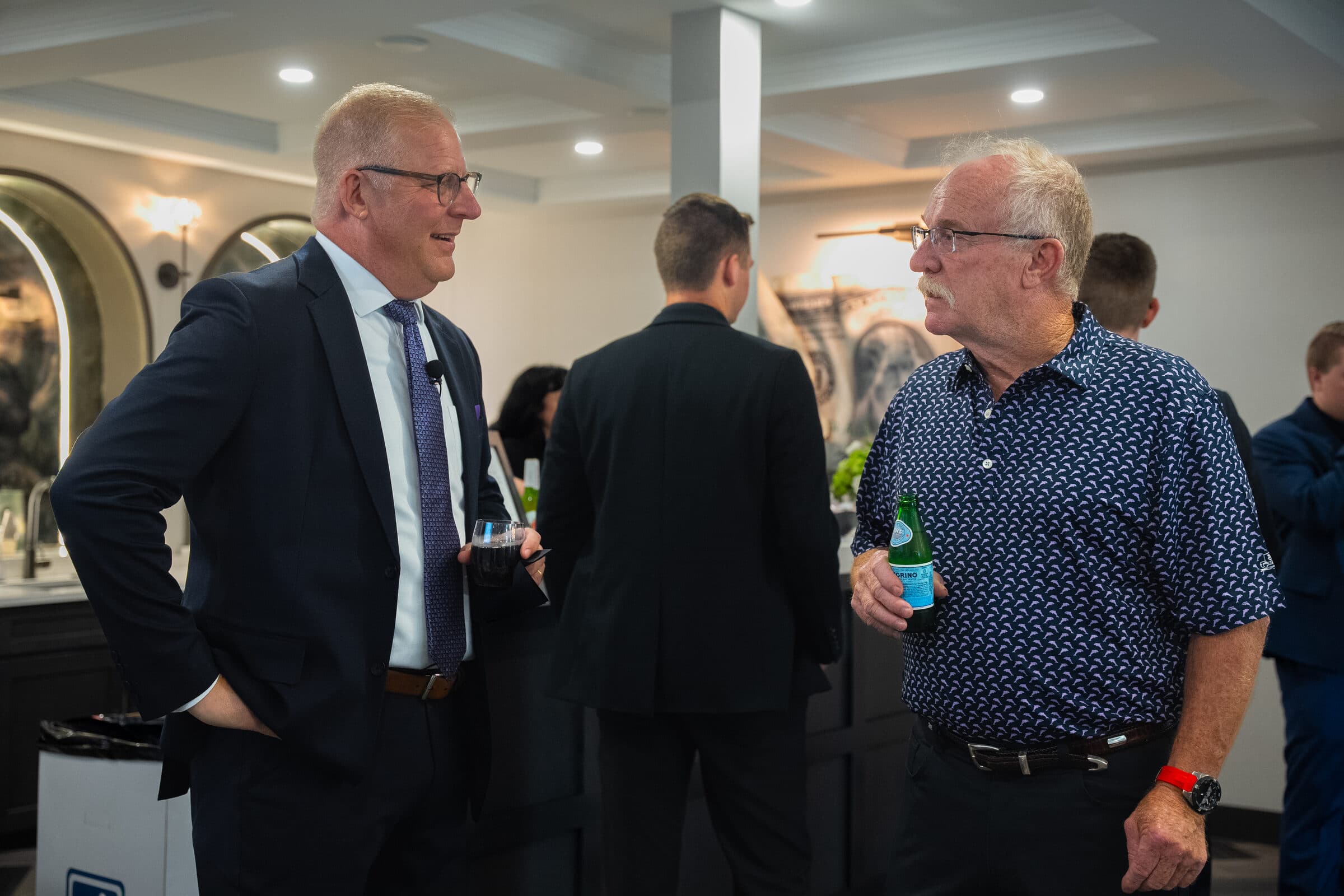
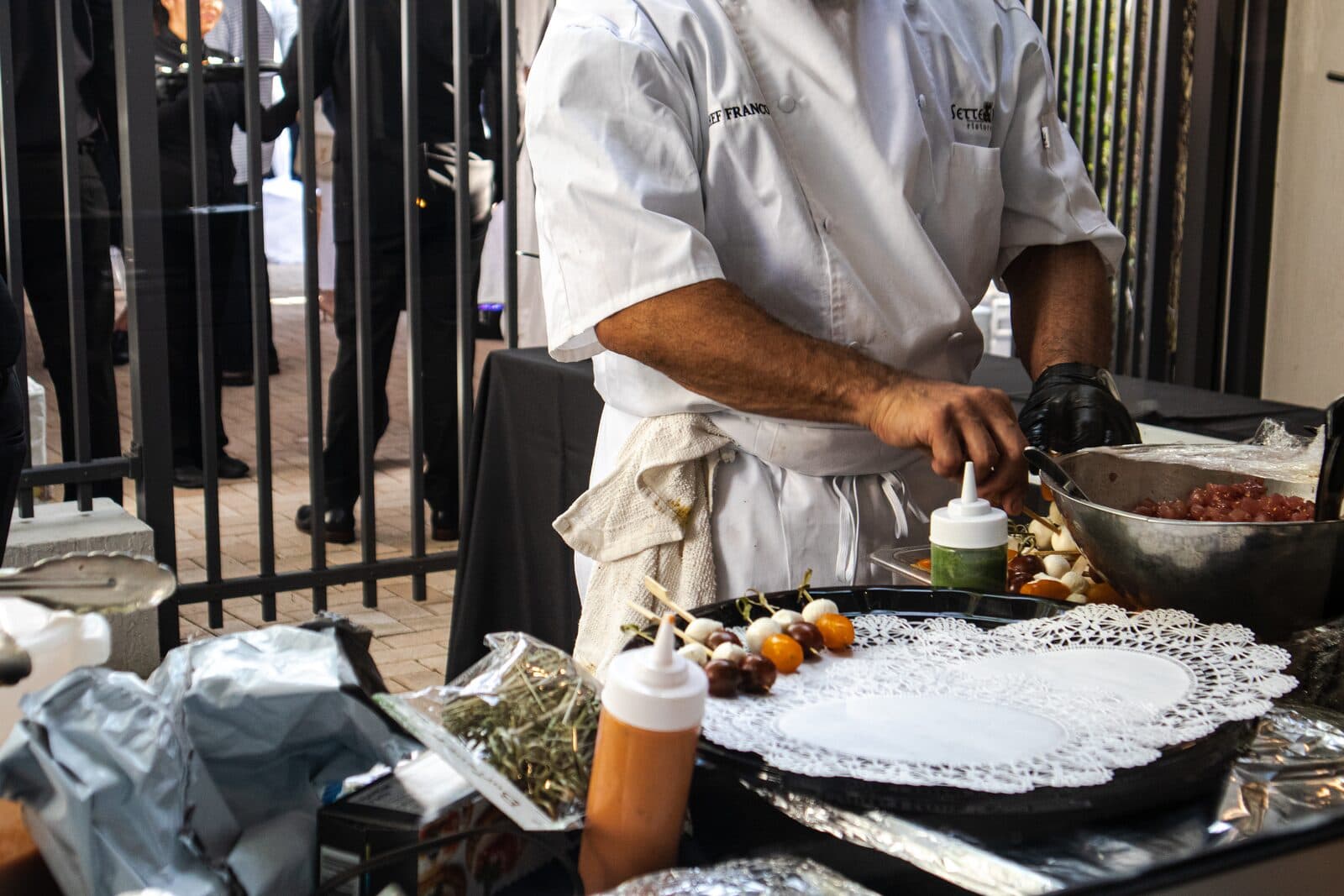
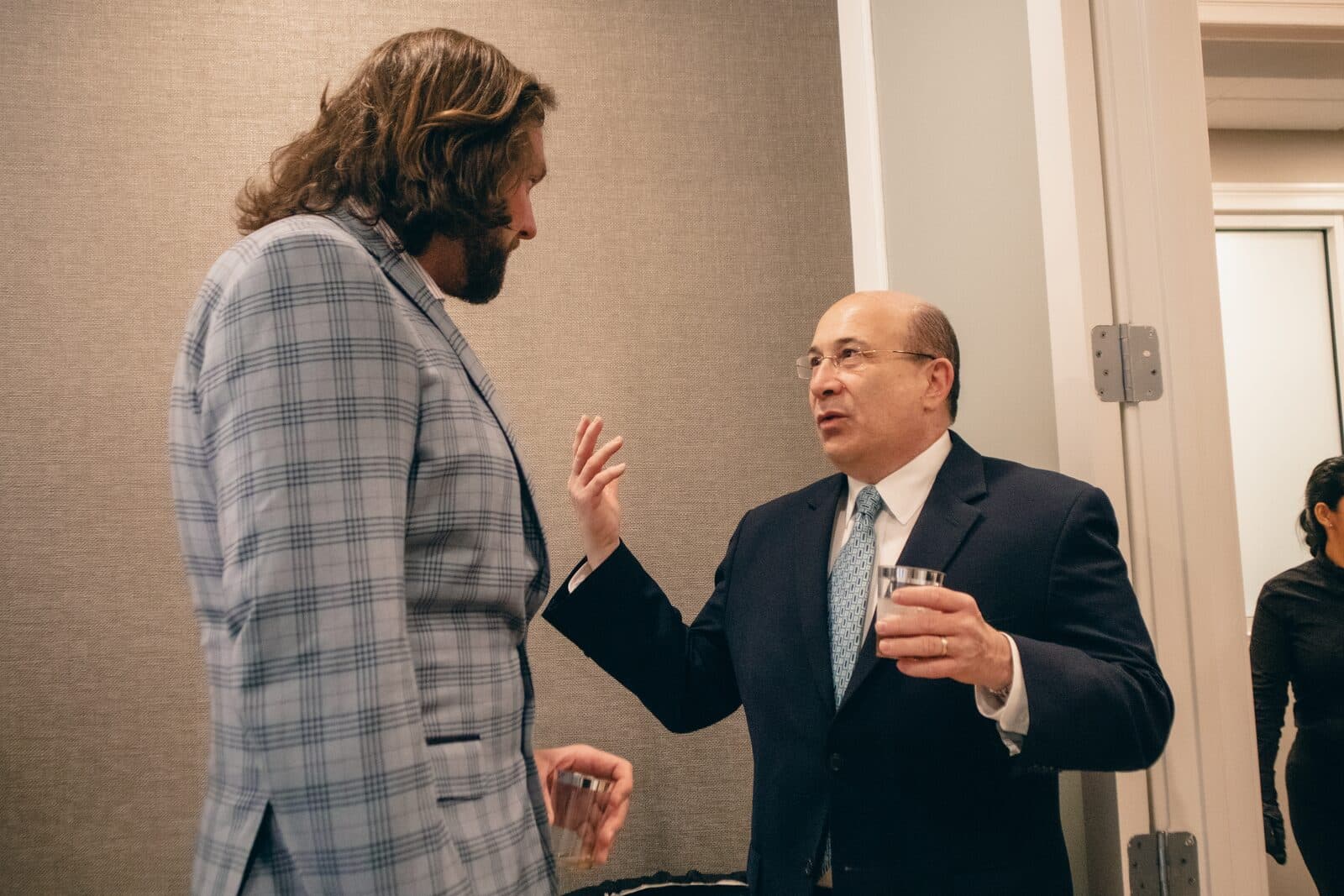
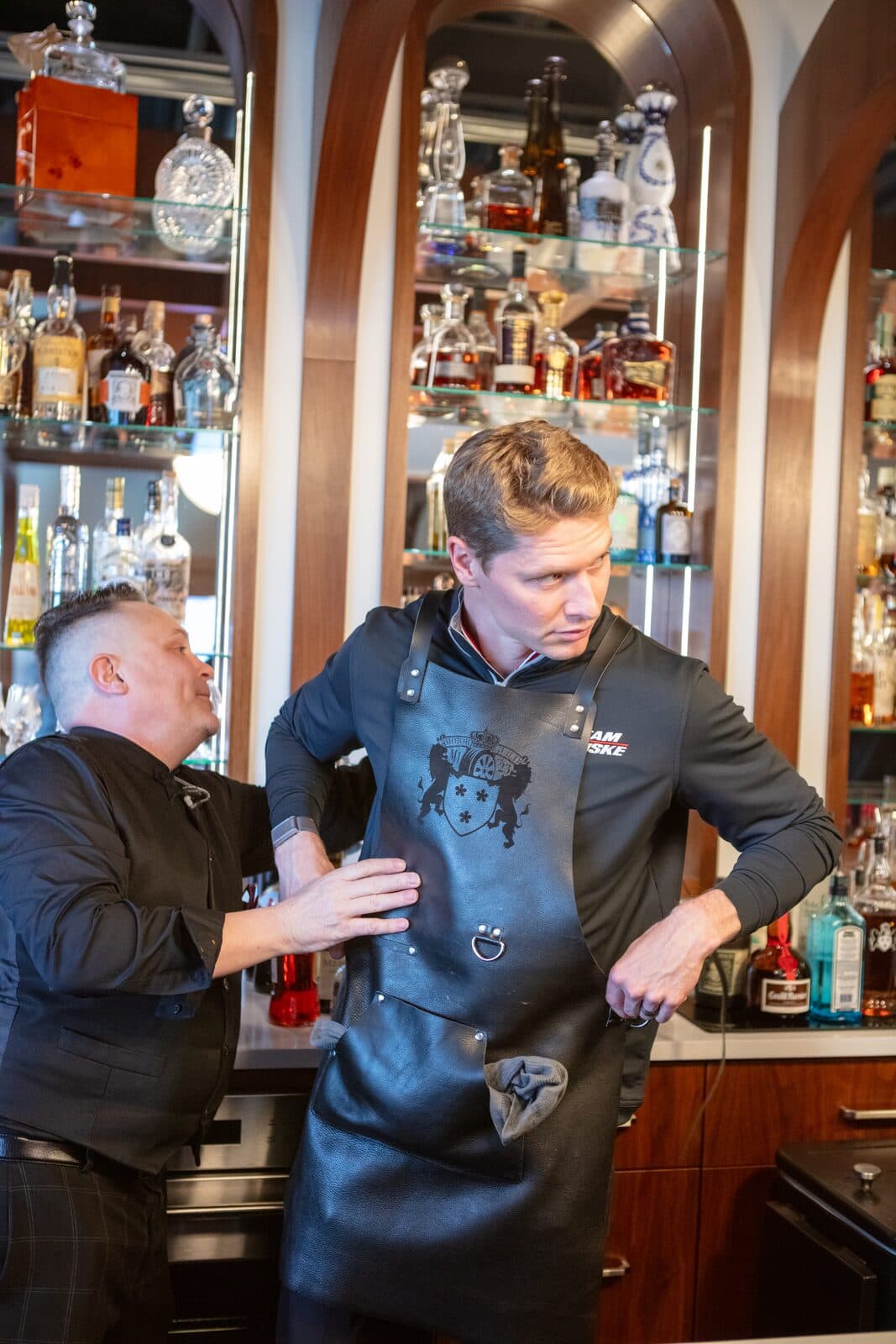
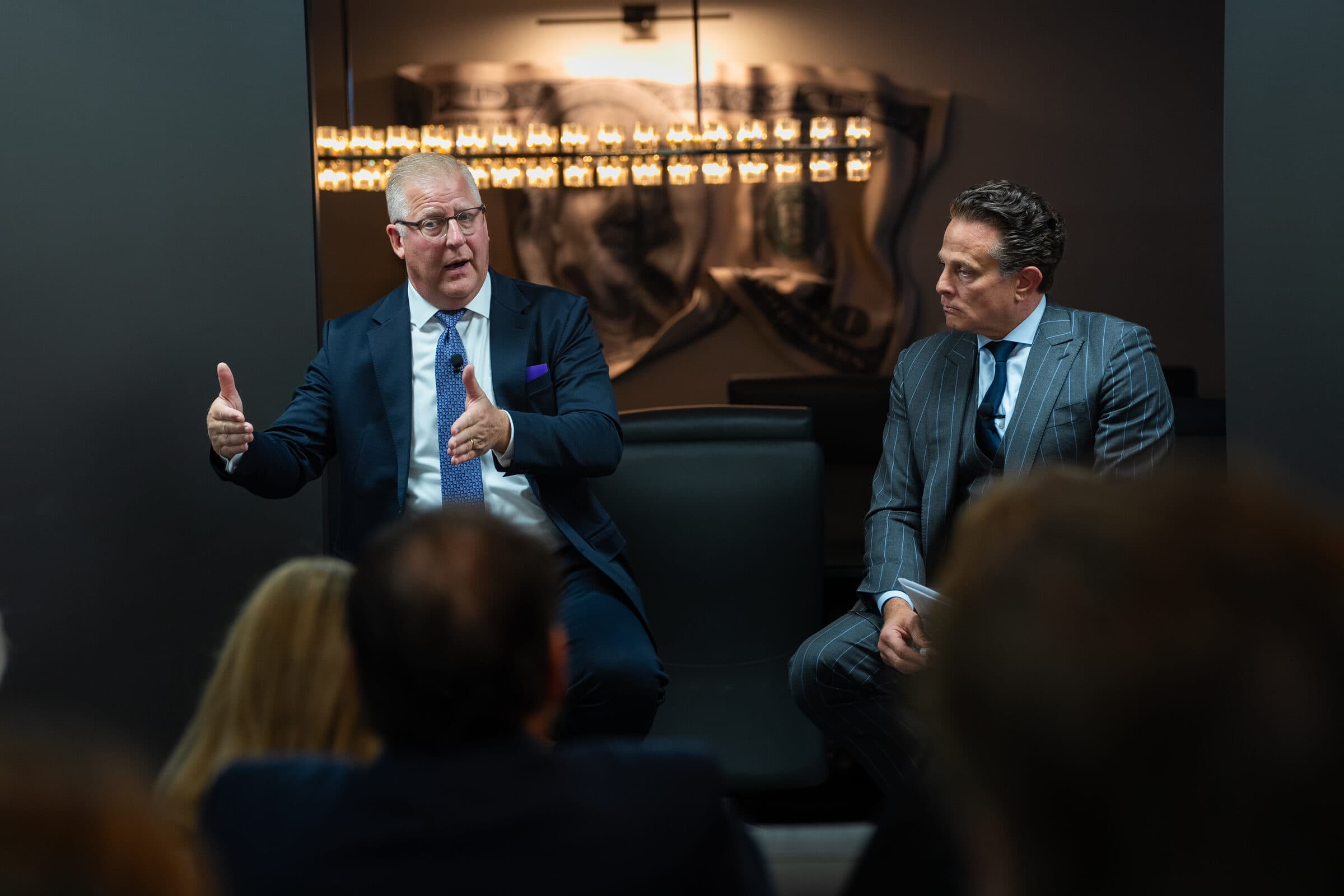
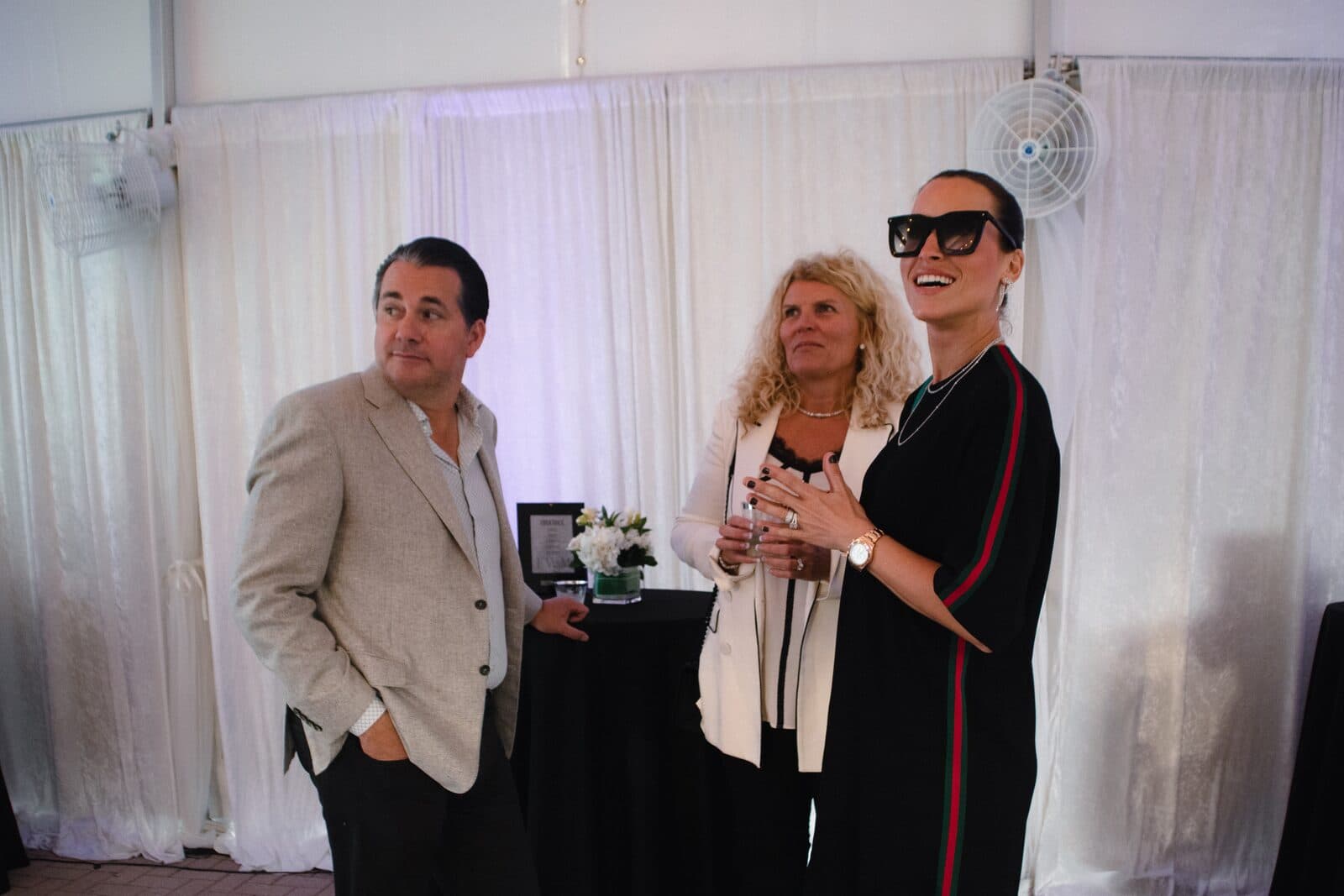
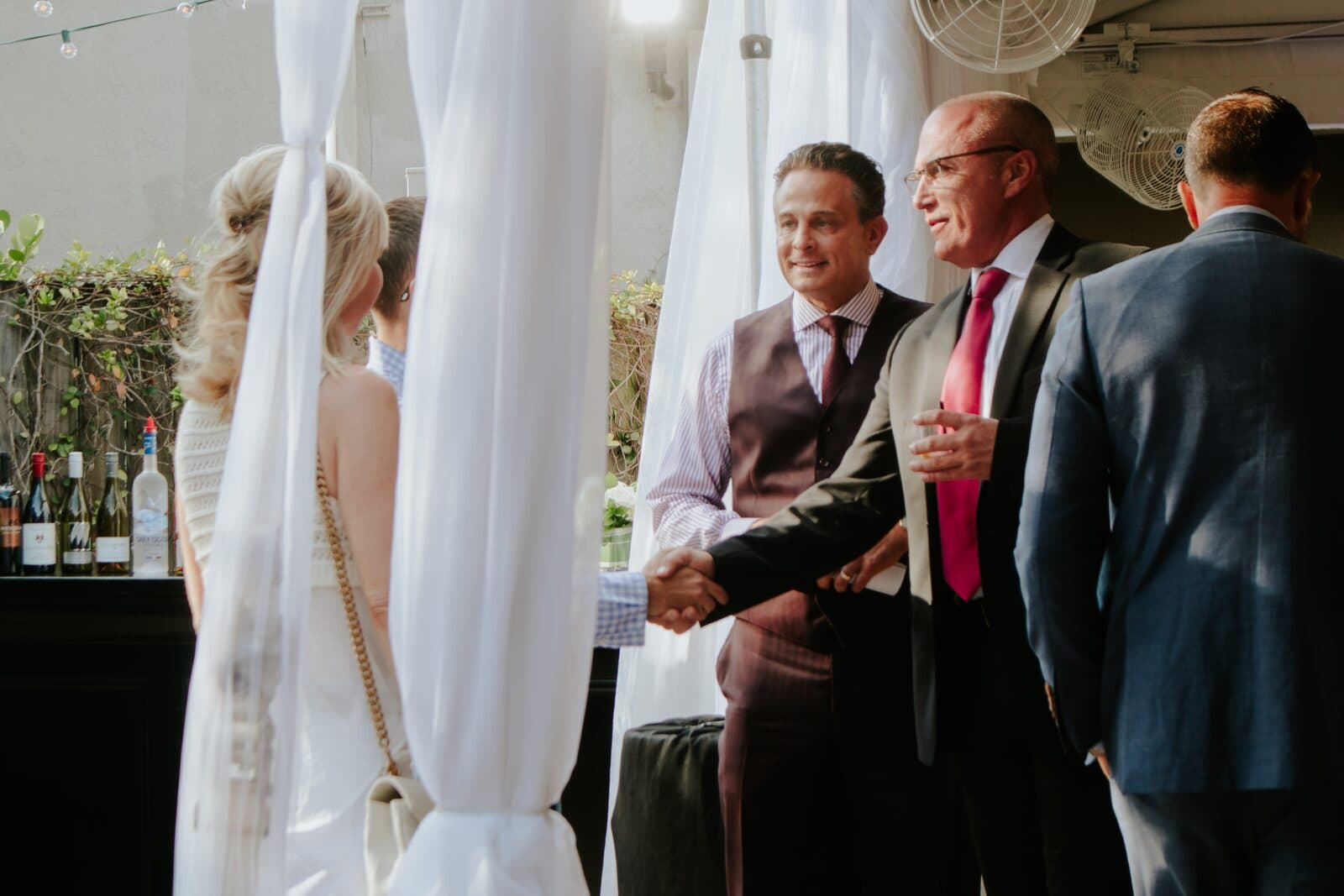

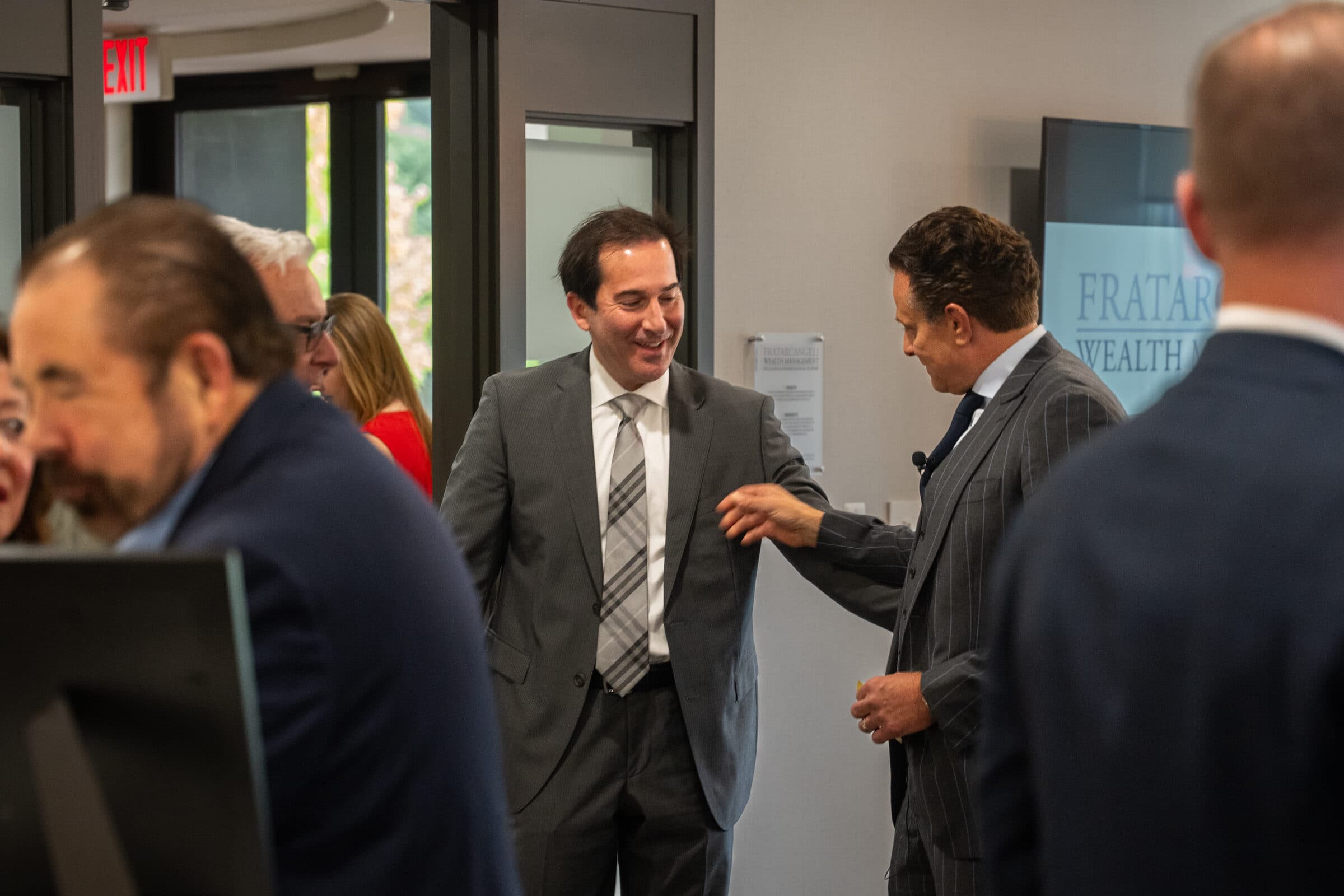
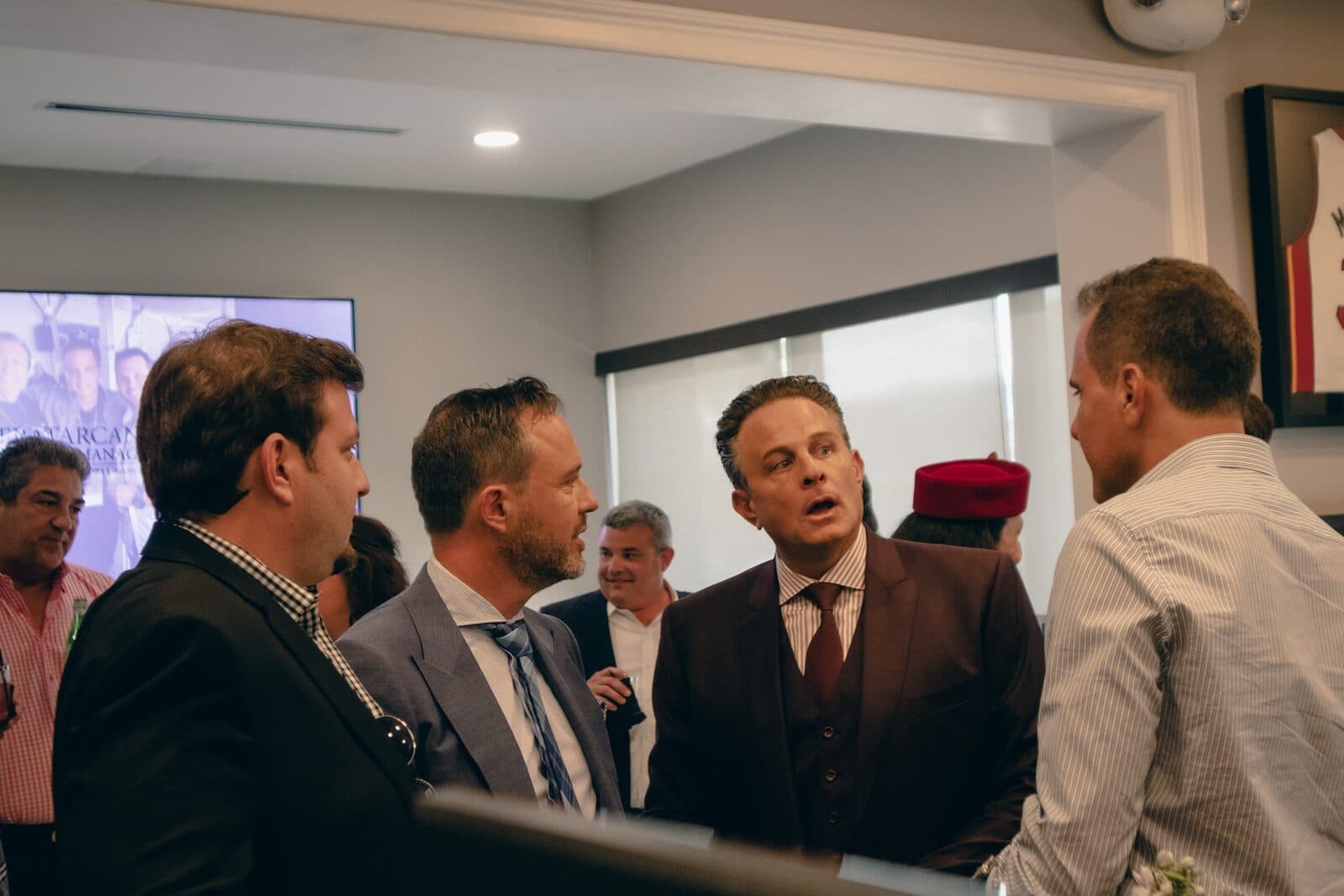
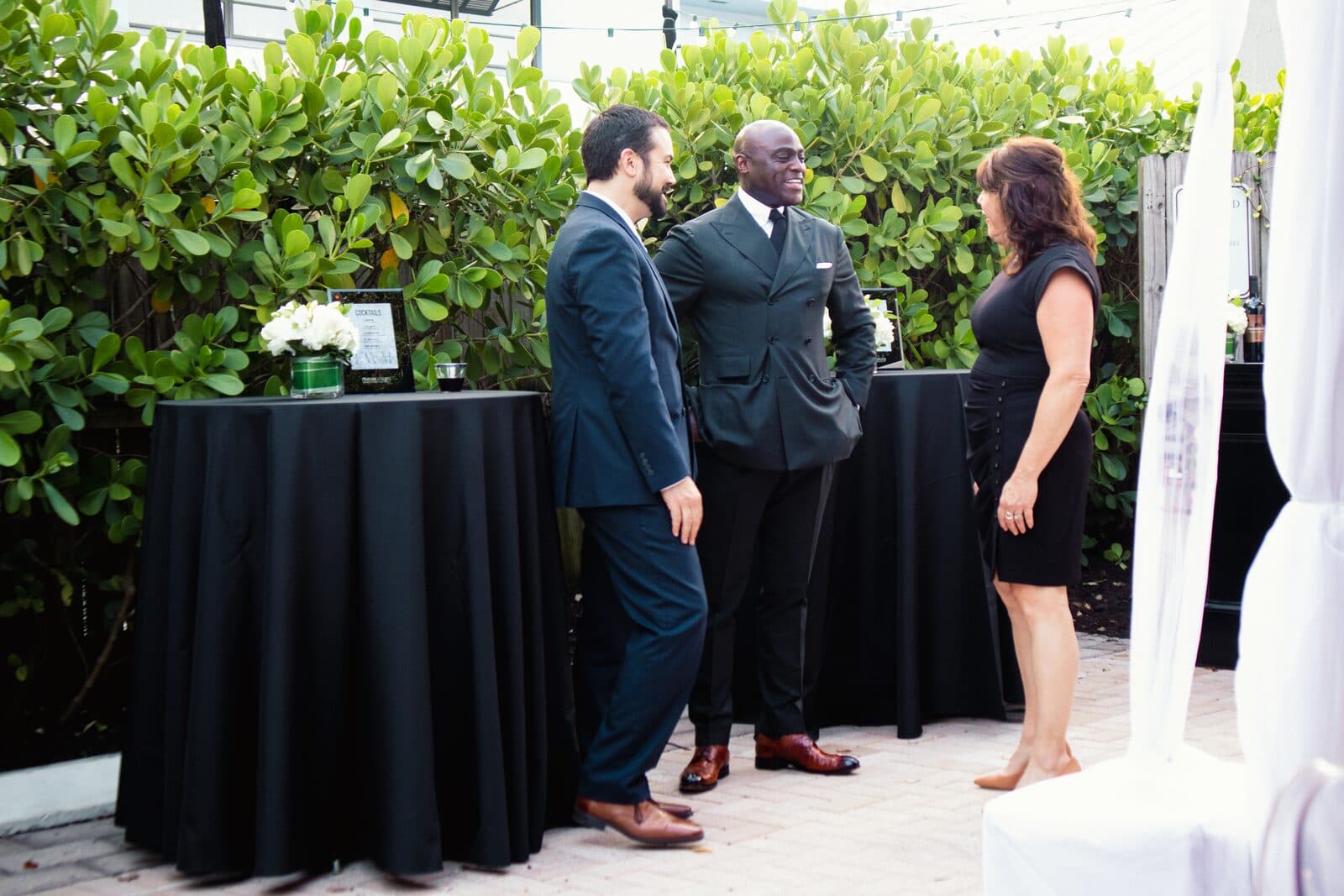
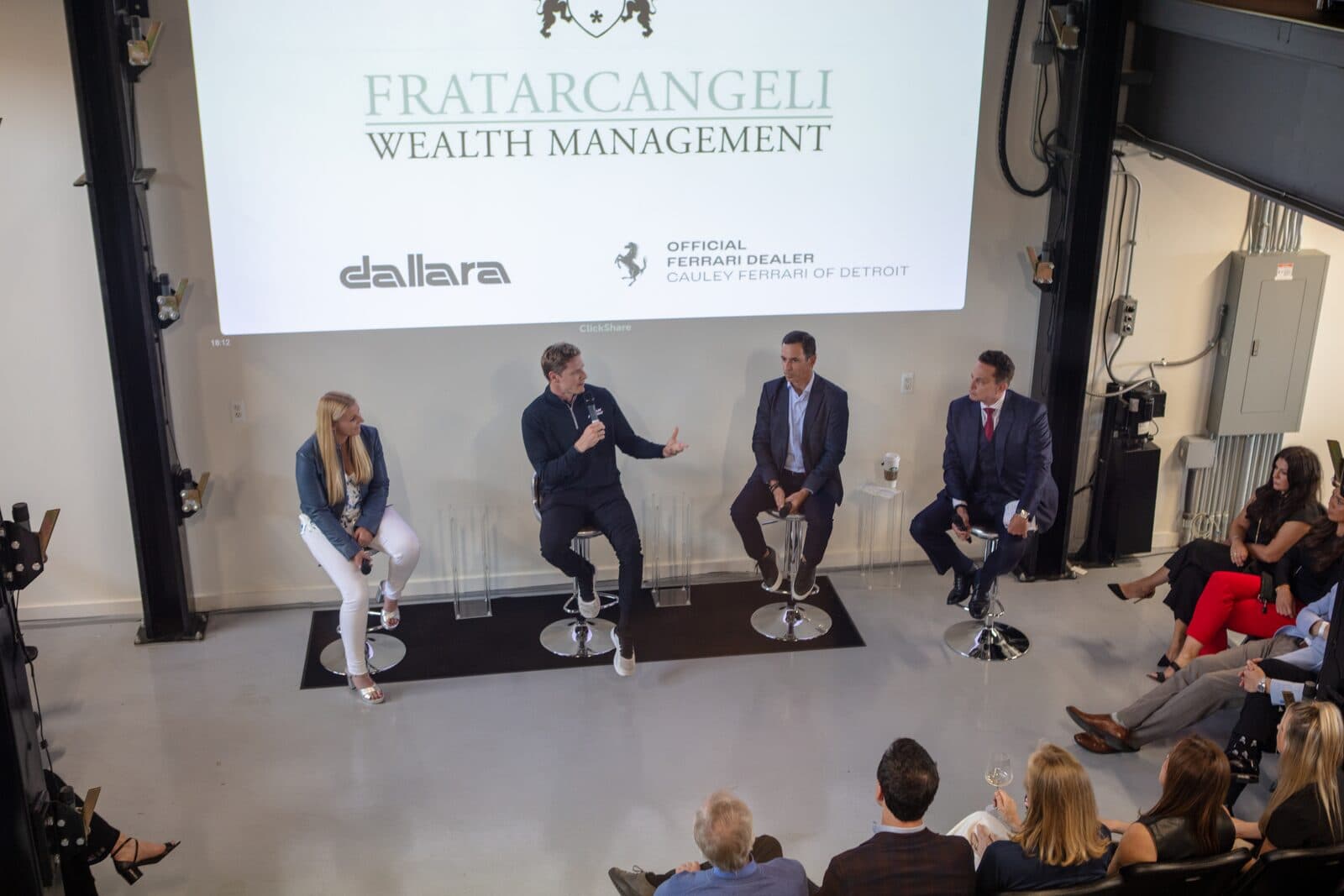
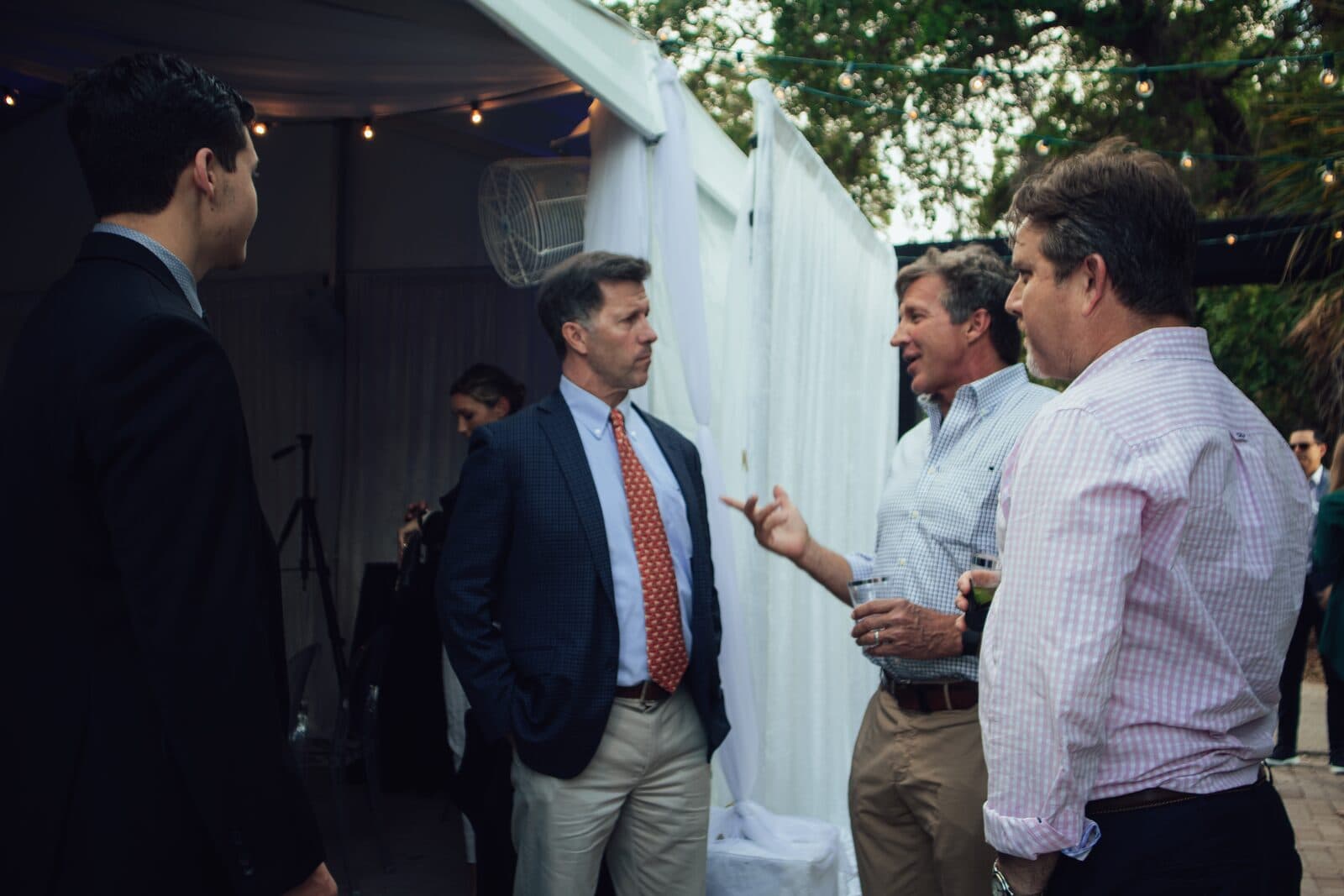
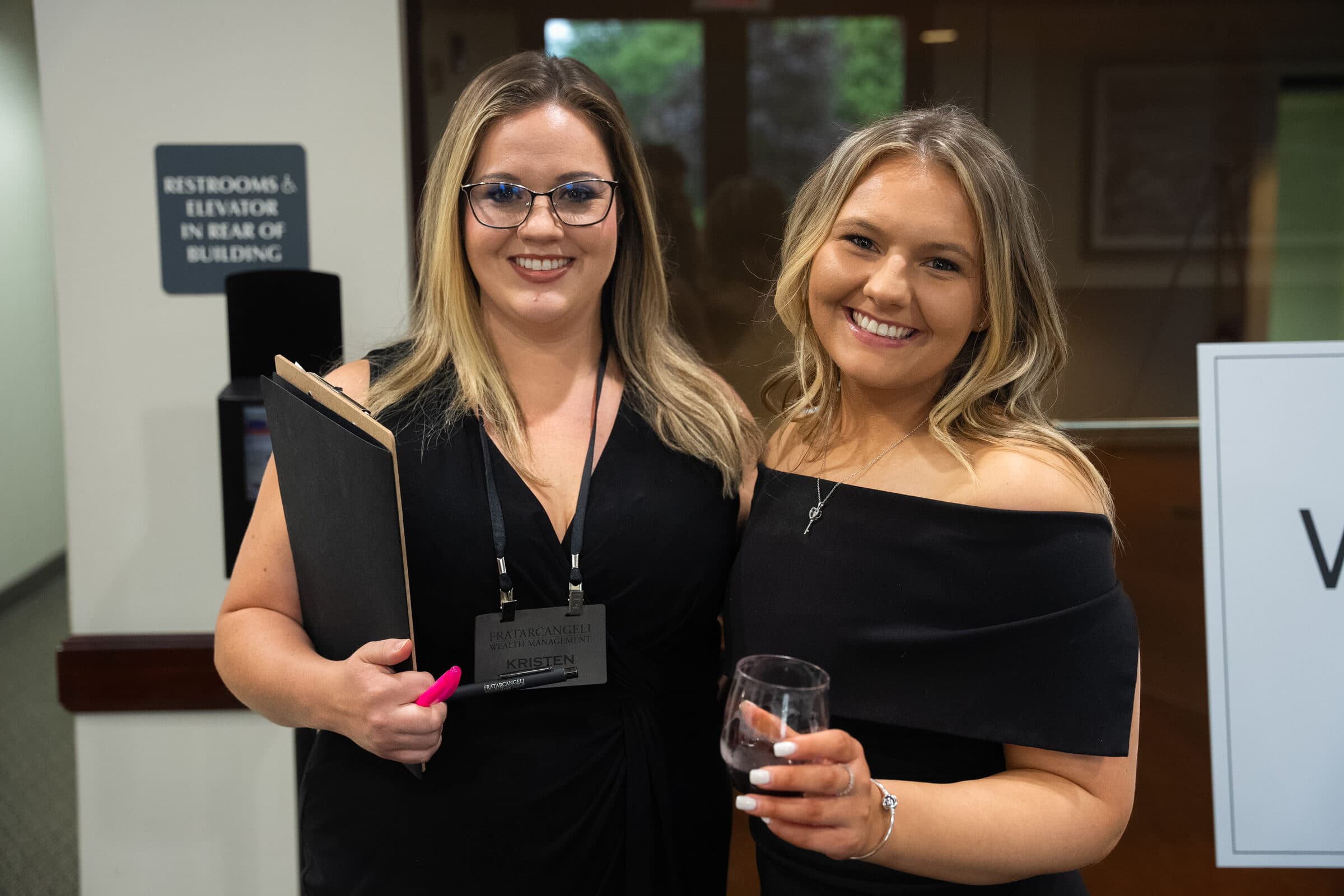
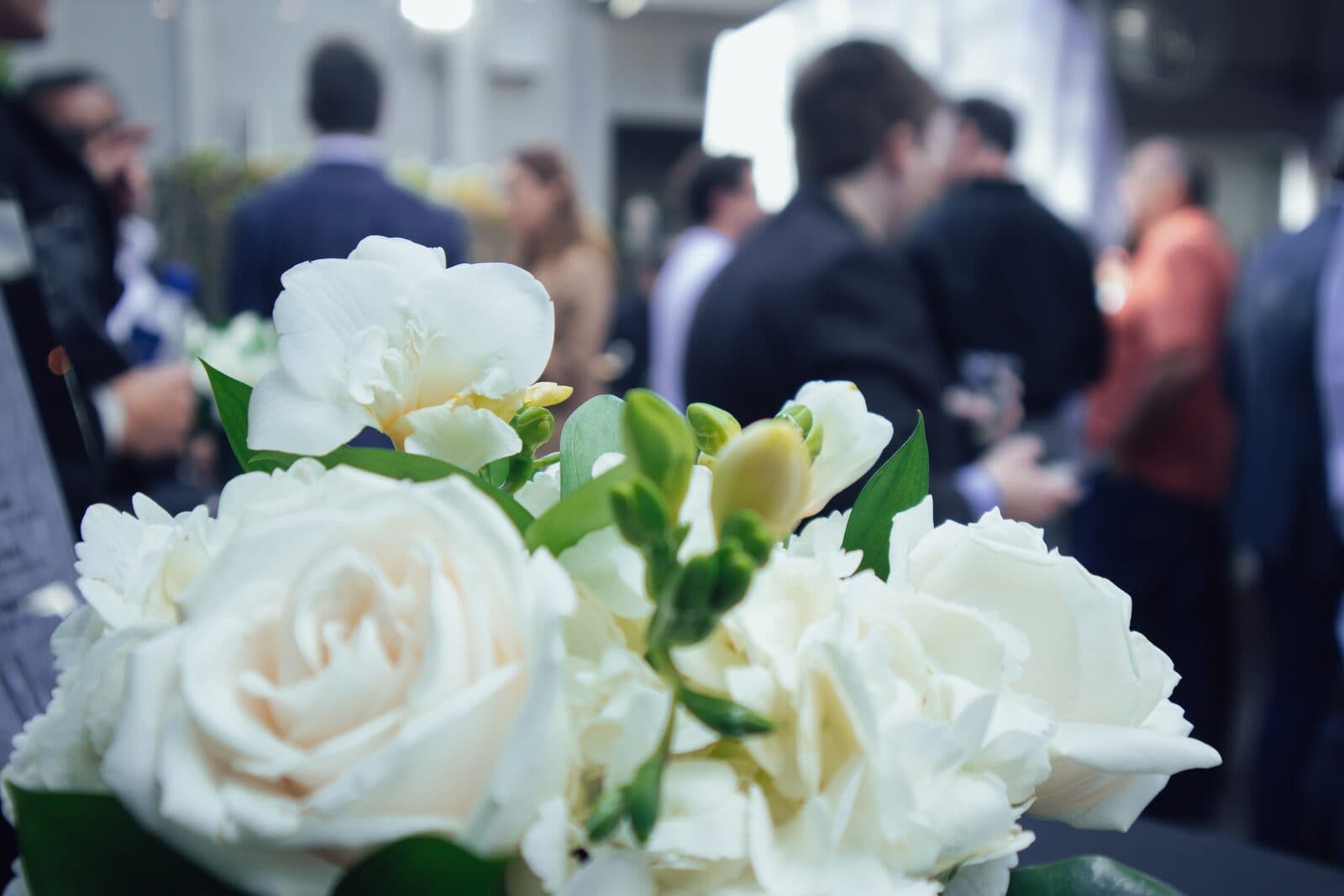
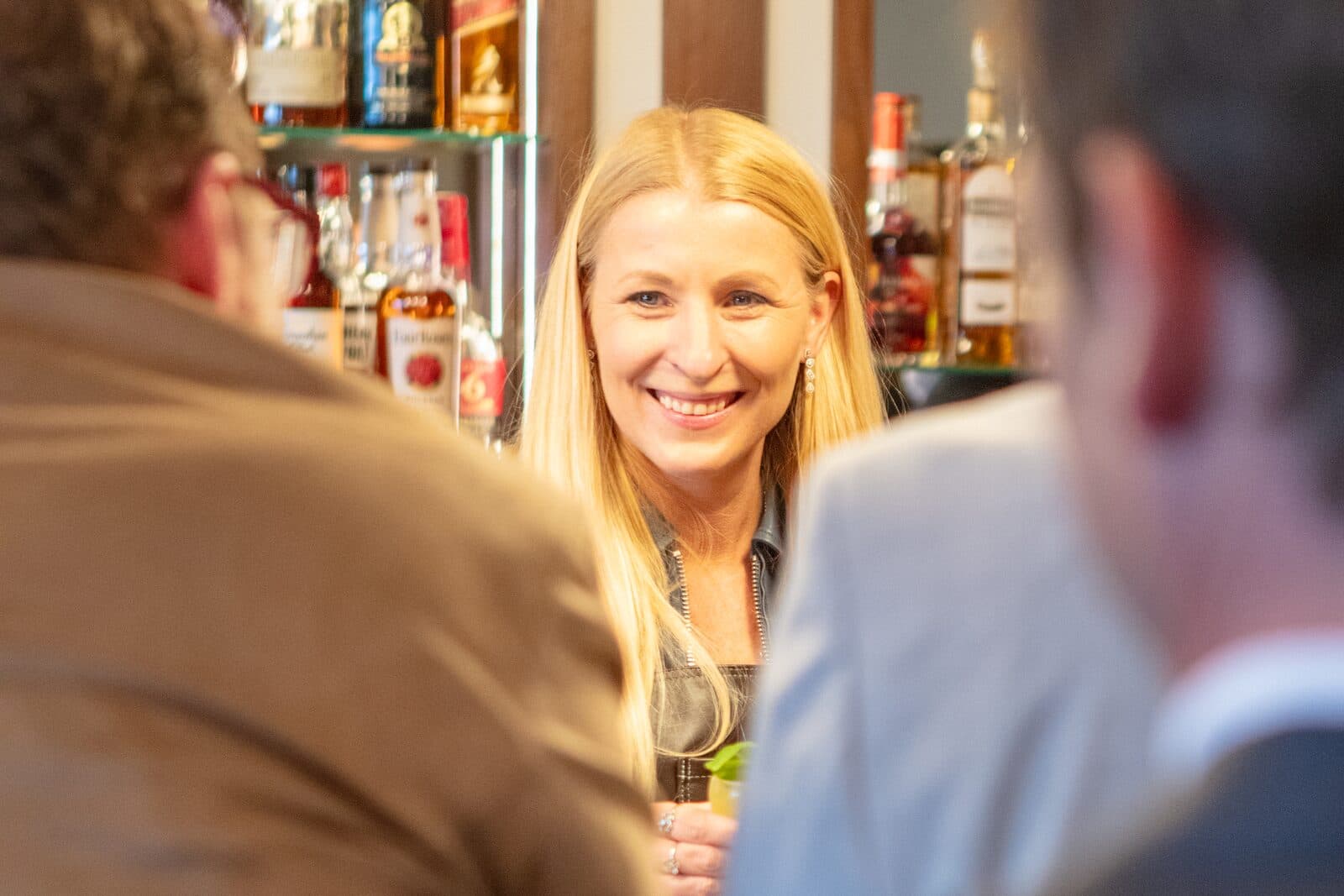
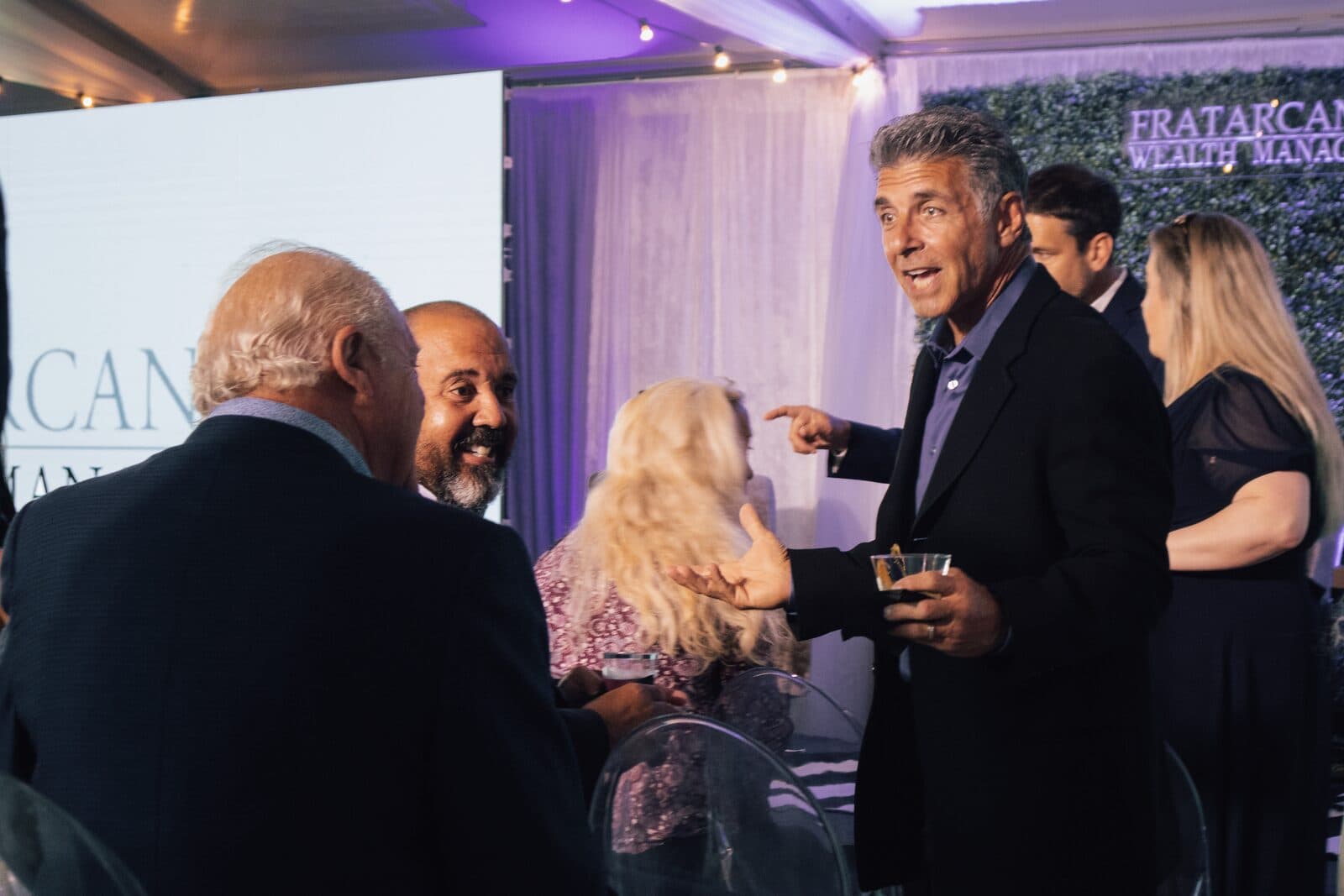
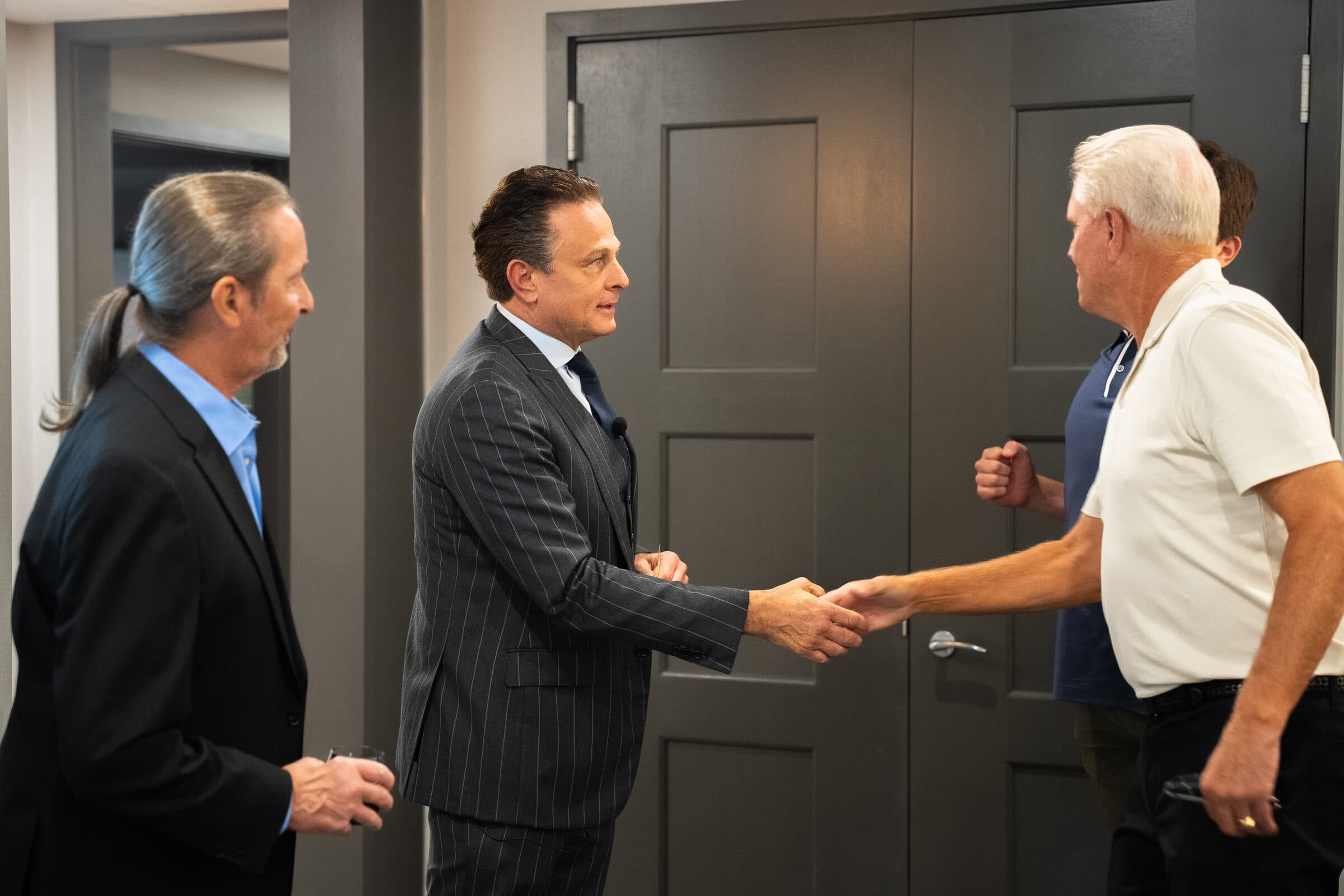
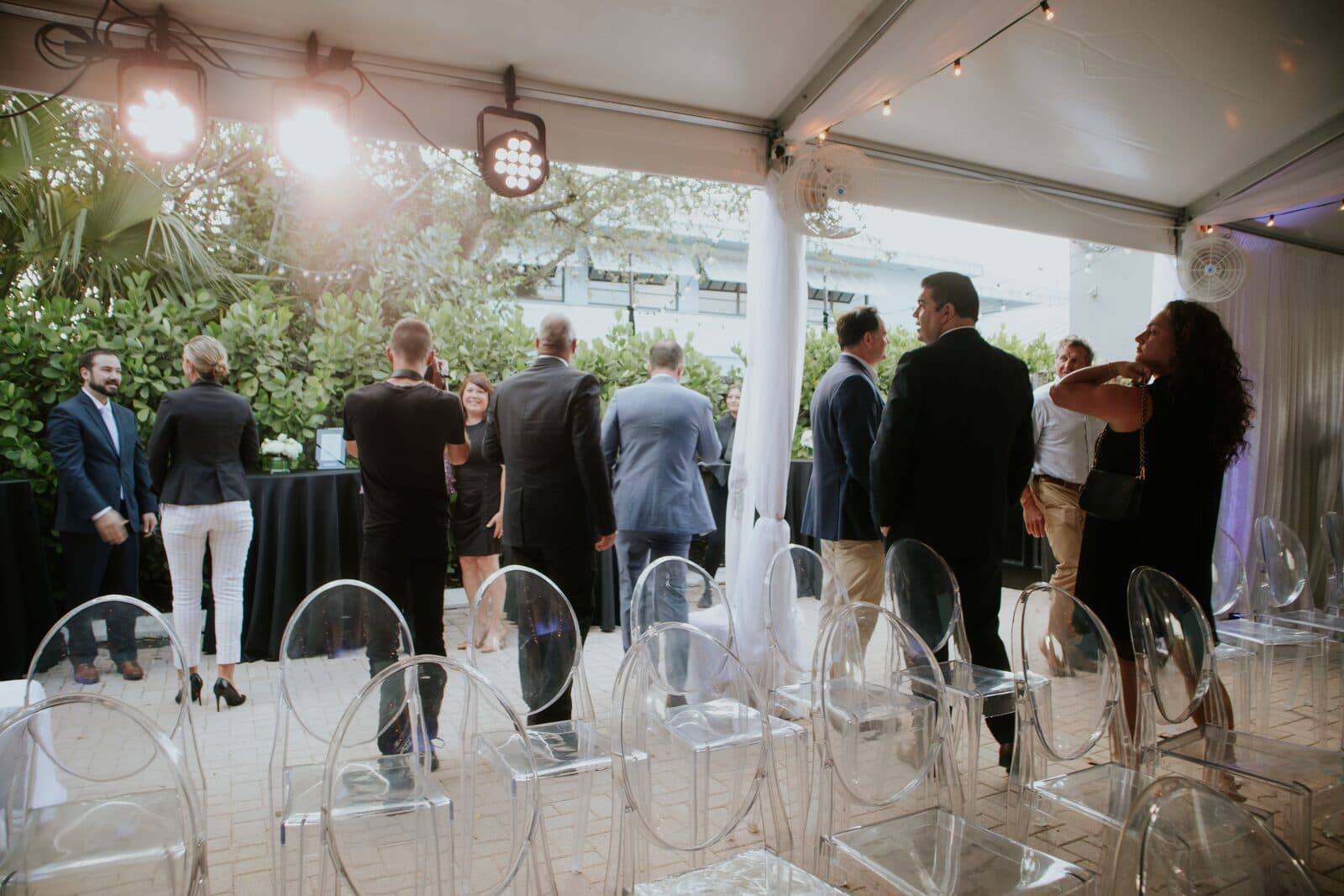
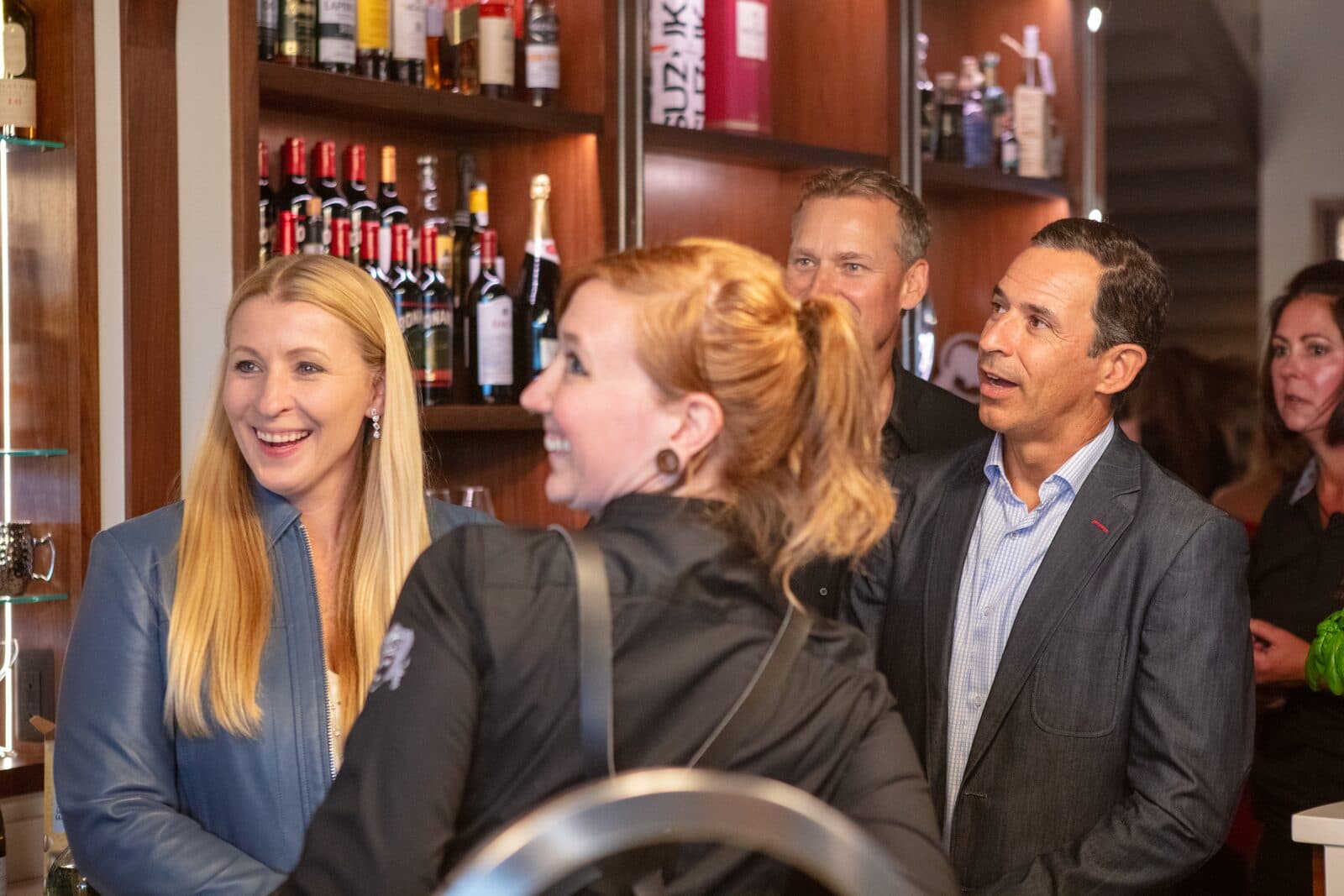
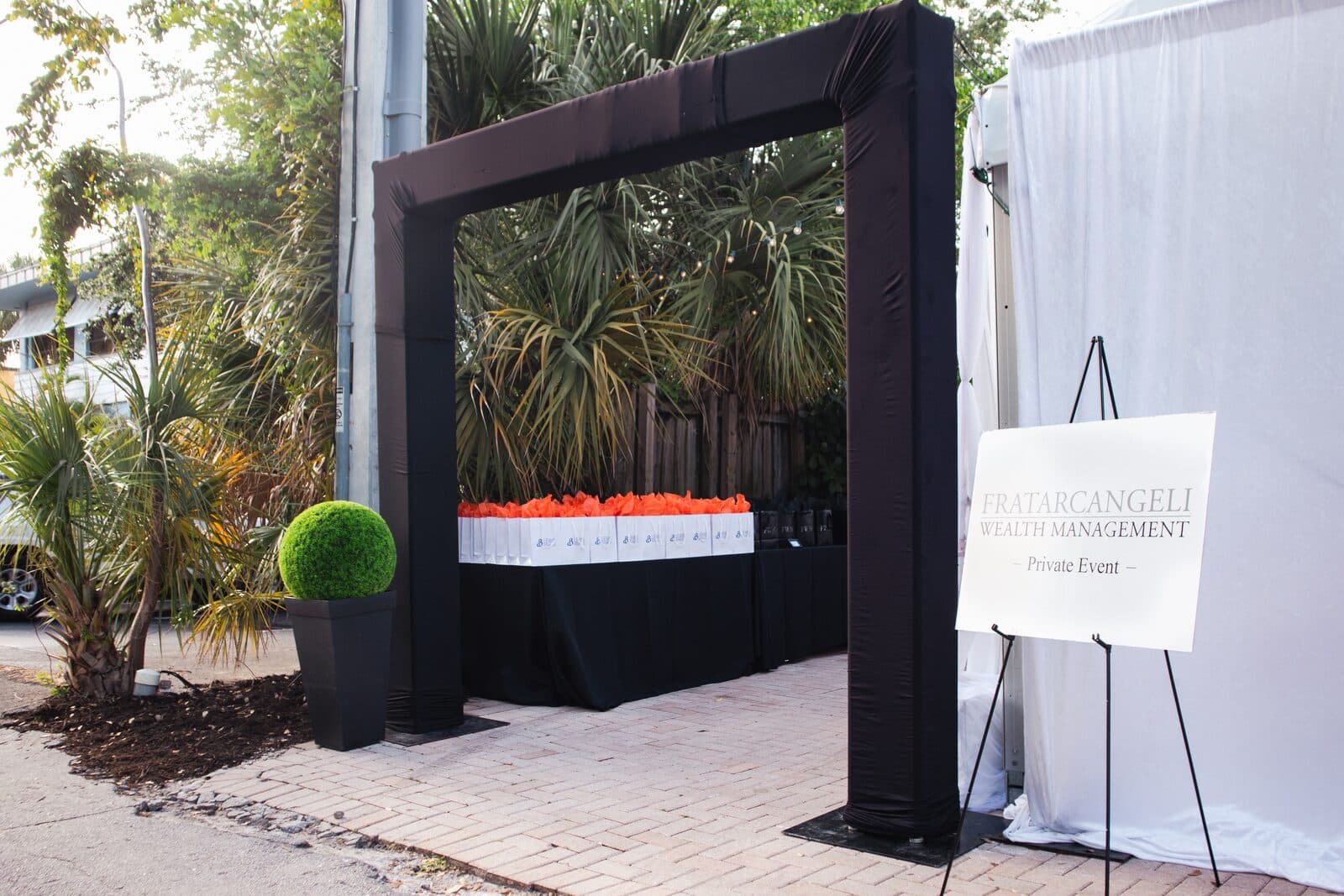
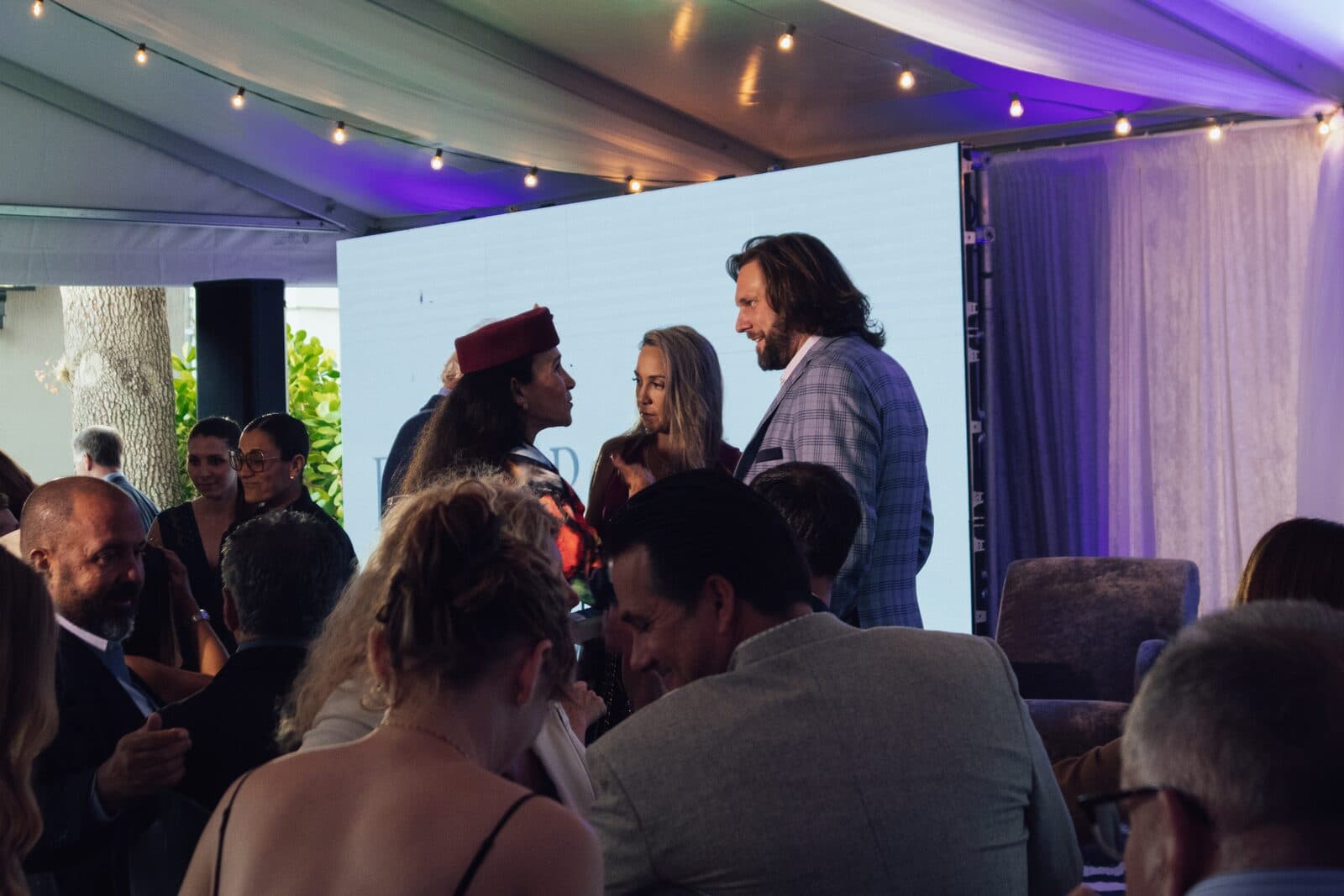
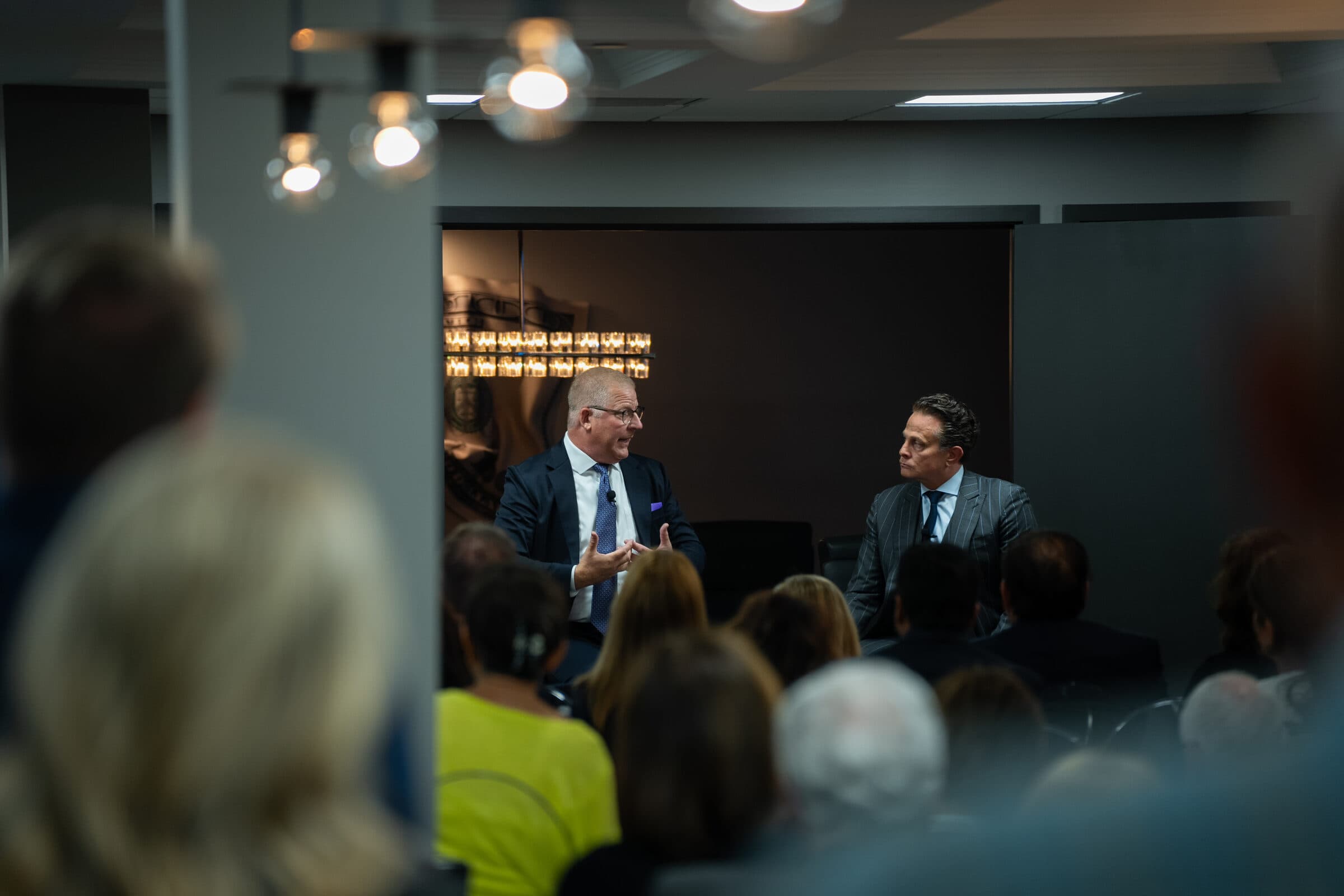
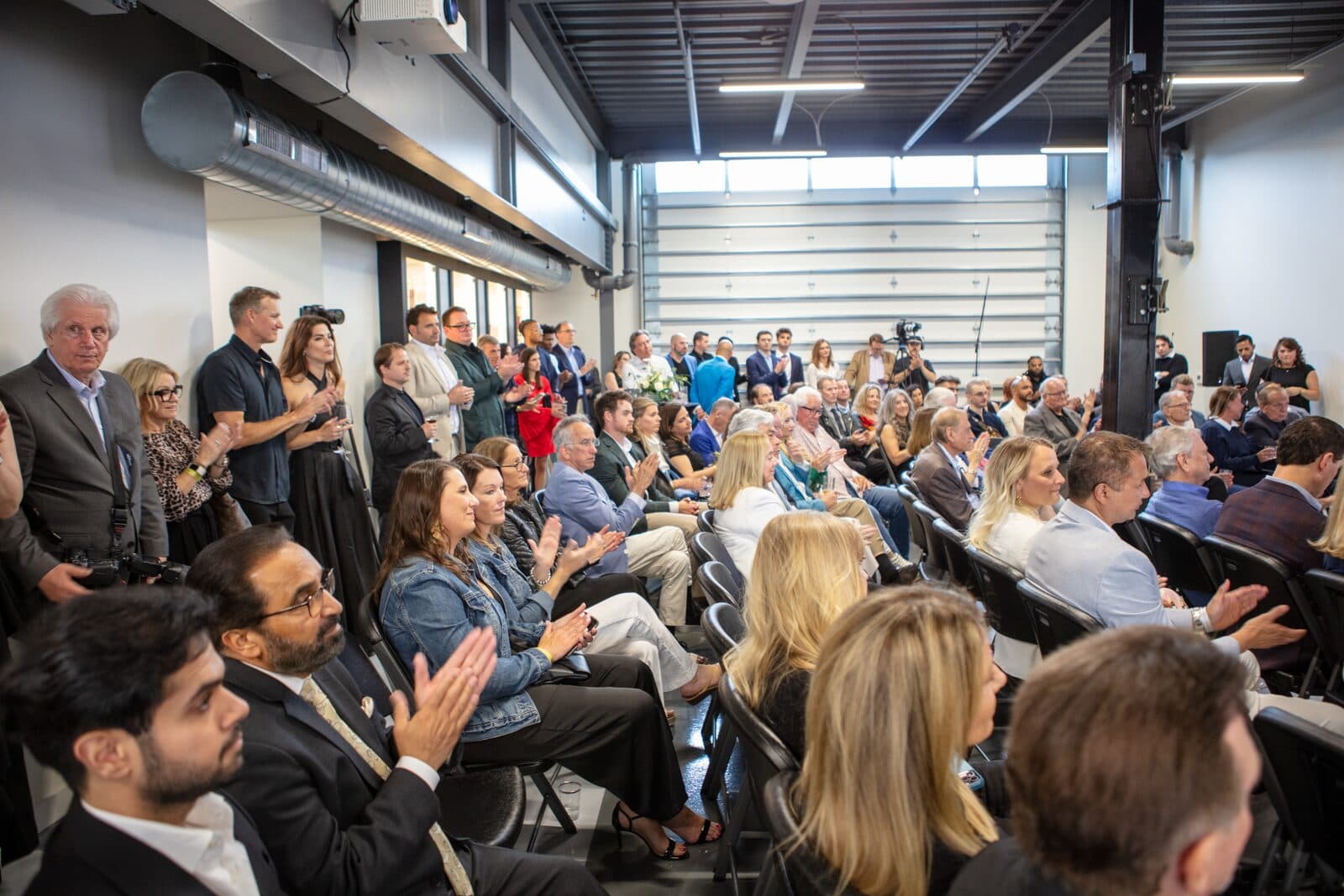
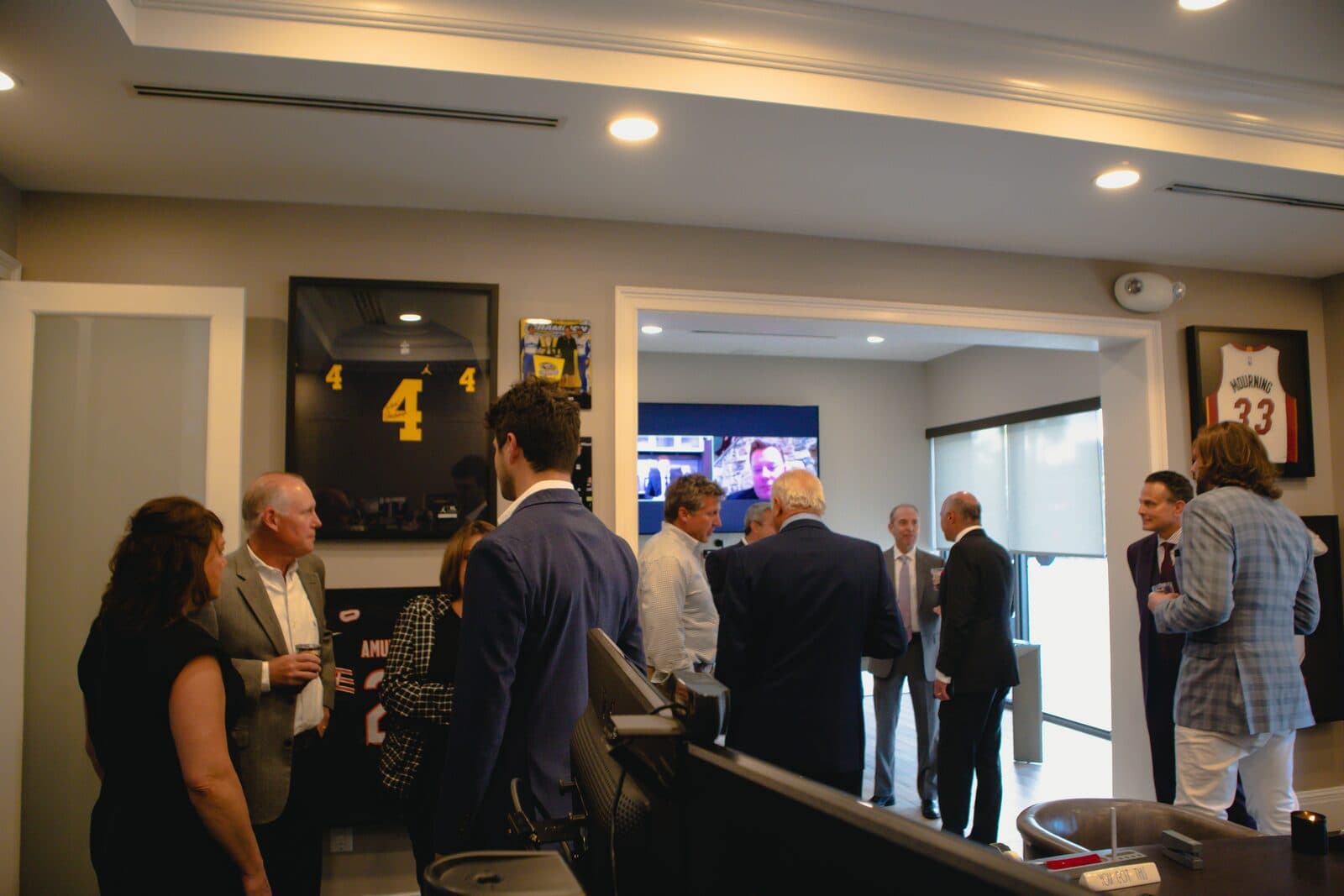
Cameras on the program, eyes on the room.
Multiple cameras, clean audio, and an eye for the moments between the program: the handshakes, the reactions, the room filling up.
The program gets covered from more than one angle, and the room gets covered by someone who is watching for the shot, not the schedule.
Deliverables
- Recap film
- Highlight cut
- Speaker / presentation edit
- Event photo set
One night, three cuts.
A recap cut for social, a longer highlight film, and the full presentation edit when the program calls for it.
Each cut is built for where it will play: short for social, longer and warmer for the people who were in the room, and complete for the archive.
We can run the show, not just film it.
For presentations and programs we also handle the live side: multi-camera coverage, live switching, audio mix, and screens and playback, run on site from load-in to the last cue. The M1 Concourse presentation below was produced that way.
How an event comes together.
Six steps, the same on every job. Here is what each one means for events.
- 01
Consultation
A call about the event: the run of show, the room, who is speaking, and what the film is for afterwards.
- 02
Estimate
An estimate built on the day itself: time on site, cameras, audio, and the cuts you want back.
- 03
Treatment
A coverage plan: which moments matter, where the cameras live, and how the recap will be cut.
- 04
Pre-Production
A walkthrough or floor plan, camera positions, audio feeds from the house, and a schedule tied to the program.
- 05
Production
Cameras on the program and a roaming camera on the room, with audio taken clean from the source.
- 06
Post
A recap cut for social, the highlight film, and the full presentation edit when the program calls for it.